NetPlus Router Configuration I/NET Configuration
4-22 I/NET 2000 Getting Started
Selecting a NetPlus Router
This utility allows you to configure a NPR connected locally or on
the network.
To select a NetPlus Router for configuration:
1. Click the
NP Routers button on the I/NET Configuration
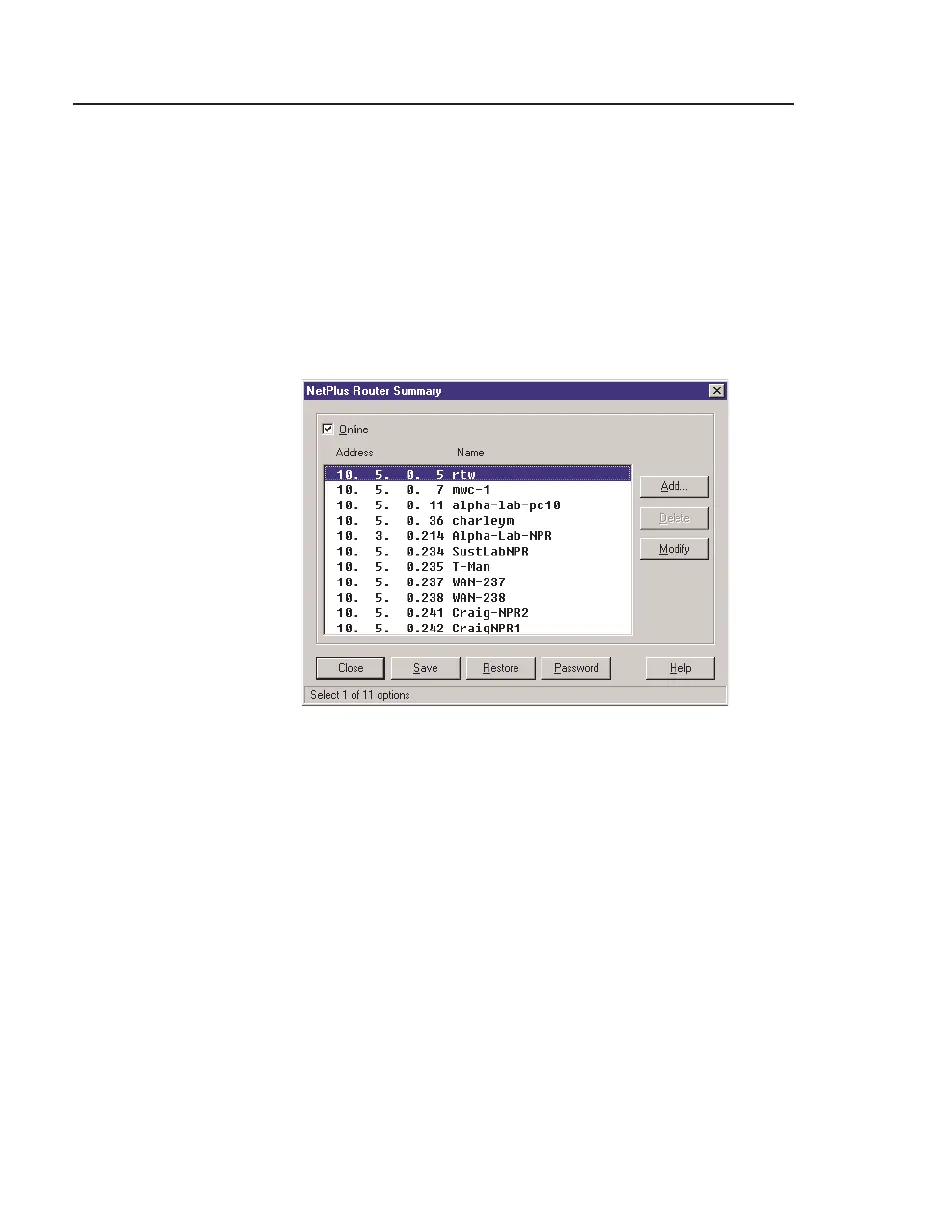
Profiles dialog box. The NetPlus Router Summary screen
displays (Figure 4-15).
2. If the NetPlus Router is currently connected, either directly
or via a network, make sure the
Online option is activated
(!).
a. If your configuration profile specifies a
Link Type of
NetPlus Router (refer to “Serial Port” on page 4-4) the
NetPlus Router connected to your serial port is listed.
This is the required mode for the initial configuration
of a NetPlus Router.
b. If your configuration profile specifies any other
Link
Type,
all NetPlus Routers available on the network are
listed.
Proceed to Step 4.
Figure 4-15. NetPlus Router Summary



 To Next Page