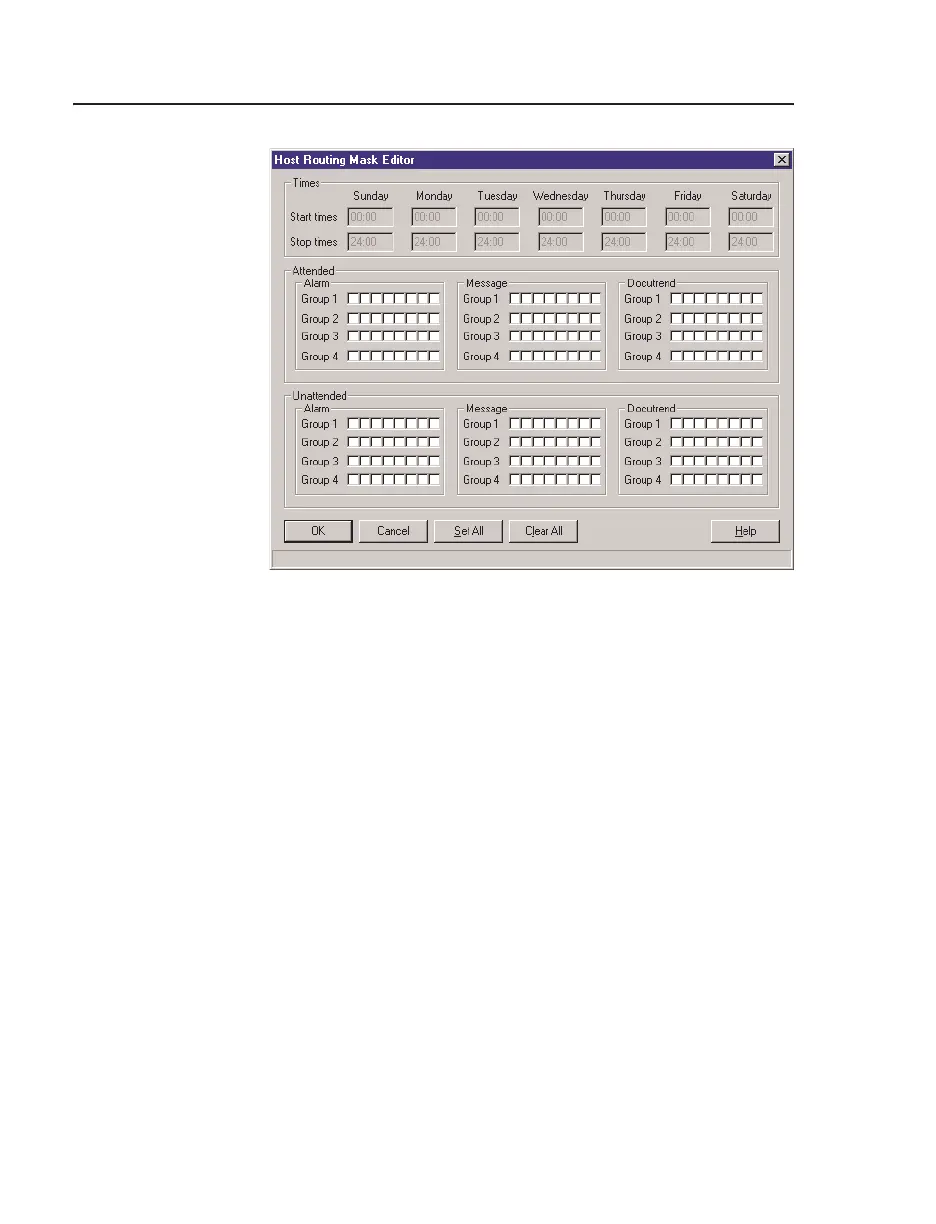
Host Routing Masks I/NET Configuration
4-20 I/NET 2000 Getting Started
All message masks are assigned to one of four distribution
groups. Both the active mask position and the distribution
group must match before a message will be received from a
remote host. Each mask is an eight position parameter, with
each position either active (!) or inactive (#).
Refer to TCON 209, I/NET 2000 Technical Reference Guide
for a complete discussion on message masking.
Note: You must also specify masking requirements in I/NET’s Host Config-
uration Editor in order to receive Docutrend messages from remote
hosts, and in the AMT Configuration Editor in order to receive
messages, alarms, and transactions from remote hosts.
3. Click on the mask position box to activate (!) or deactivate
(#) a mask position. You can select
Set All (activates all
mask positions) or Clear All (deactivate all positions) to
speed the mask definition process.
4. Select
OK to return to the Host Mask Device Summary.
Figure 4-13. Host Routing Mask Editor



 To Next Page