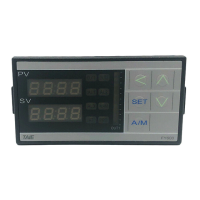
FY operation manual 26
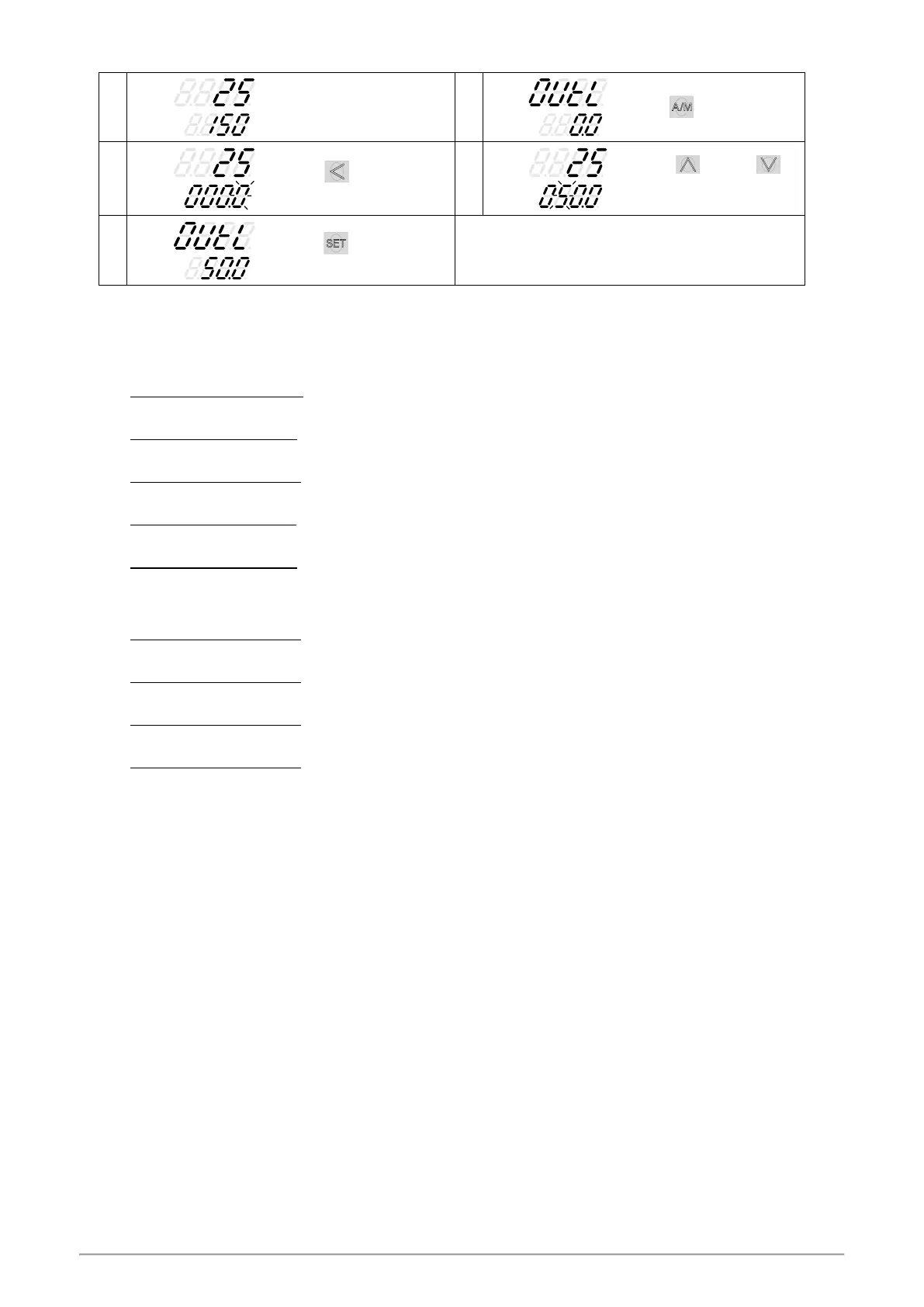
9.8 Controlling With Manual Control
When key is pressed,
the lower display flashes.
Press key and
key to set the intended
output% value.
Press key to store new
value.
In manual mode OUTL=100.0
,
output=100.0 %
continuously.
In manual mode OUTL=20.0
,
output=20.0 % continuously.
10. Flow Chart of Parameter Setting
10.1 Level Operation Mode
1. LEVEL 1 enter to the LEVEL 2
Hold SET key for 3 seconds then entering LEVEL 2
2. LEVEL 1 enter to the LEVEL 3
Hold SET key + SHIFT key for 3 seconds then entering LEVEL 3
3. LEVEL 2 return to the LEVEL 1
Hold SET key for 3 seconds then return to LEVEL 1
4. LEVEL 2 enter to the LEVEL 3
Hold SET key for 3 seconds then entering to LEVEL 3
5. LEVEL 2 enter to the LEVEL 4
On the LEVEL 2 then press SET key to find parameter “LCK
modify LCK value from current value to 1111
after hold SET key + SHIFT key 3 seconds entering LEVEL 4
6. LEVEL 3 return to the LEVEL 1
Hold SET key + SHIFT key for 3 seconds then return to LEVEL 1
7. LEVEL 3 return to the LEVEL 2
Hold SET key for 3 seconds then return to LEVEL 2
8. LEVEL 4 return to the LEVEL 1
Hold SET key + SHIFT key for 3 seconds then return to LEVEL 1
9. LEVEL 4 return to the LEVEL 2
Hold SET key for 3 seconds then return to LEVEL 2


 To Next Page
 Loading...