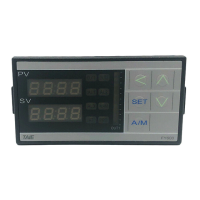
FY operation manual 70
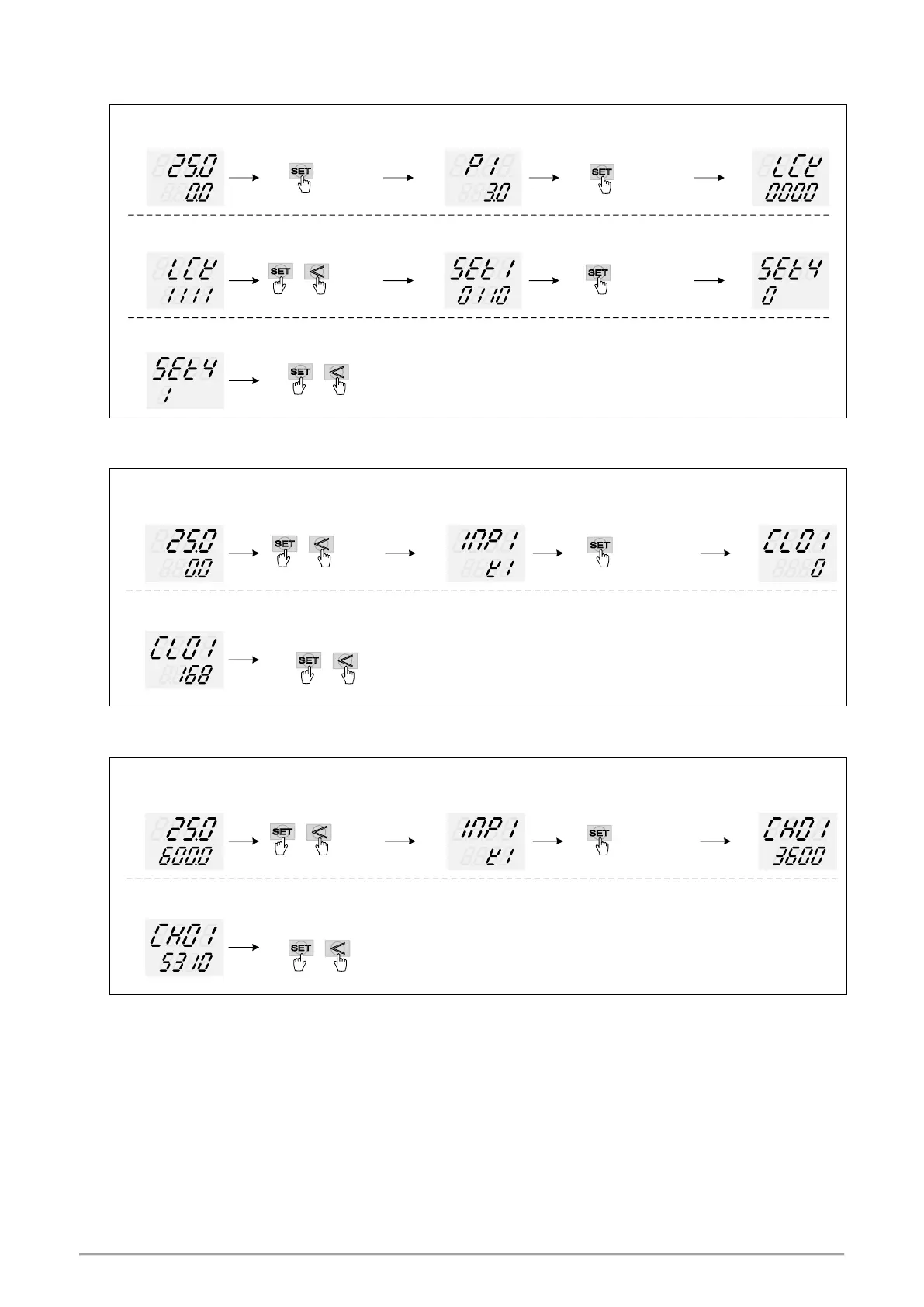
14.6 Output Calibration Steps
1. Display CLO1 & CHO1:
PV
SV
PV / SV monitor
LCK setting to 1111
PV
SV
Enter to Level 4
show SET1
PV
SV
SET4_4= 1
open CLO1、CHO1
SET4 X is
current value
Enter to Level 2
show P1
PV
SV
PV
SV
if SET4_4 setting finish
PV
SV
XXX
PV
SV
XXX
press key 3 seconds press key switching to
display”LCK ”
press + key 3 seconds
press key switching to
display”SET4 ”
press + key 3 seconds , return to PV / SV monitor
※ : X is default value which does not need to be modified
2. Adjust CLO1 low-point calibration value :
PV
SV
SV = LSPL
Minimum output
adjust CLO1 until
meter = 4mA
PV
SV
Enter to Level 3
show INP1
PV
SV
PV
SV
if CLO1 setting finish
press + key 3 seconds
press key switching to
display”CLO1 ”
press + key 3 seconds , return to PV / SV monitor
※ : CLO1 calibration value of each controller is different from the other
3. Adjust CHO1 high-point calibration value
PV
SV
SV = USPL
Maximum output
adjust CHO1 until
meter = 20mA
PV
SV
Enter to Level 3
show INP1
PV
SV
PV
SV
if CHO1 setting finish
press + key 3 seconds
press key switching to
display”CHO1 ”
press + key 3 seconds , return to PV / SV monitor
※ : CHO1 calibration value of each controller is different from the other


 To Next Page
 Loading...