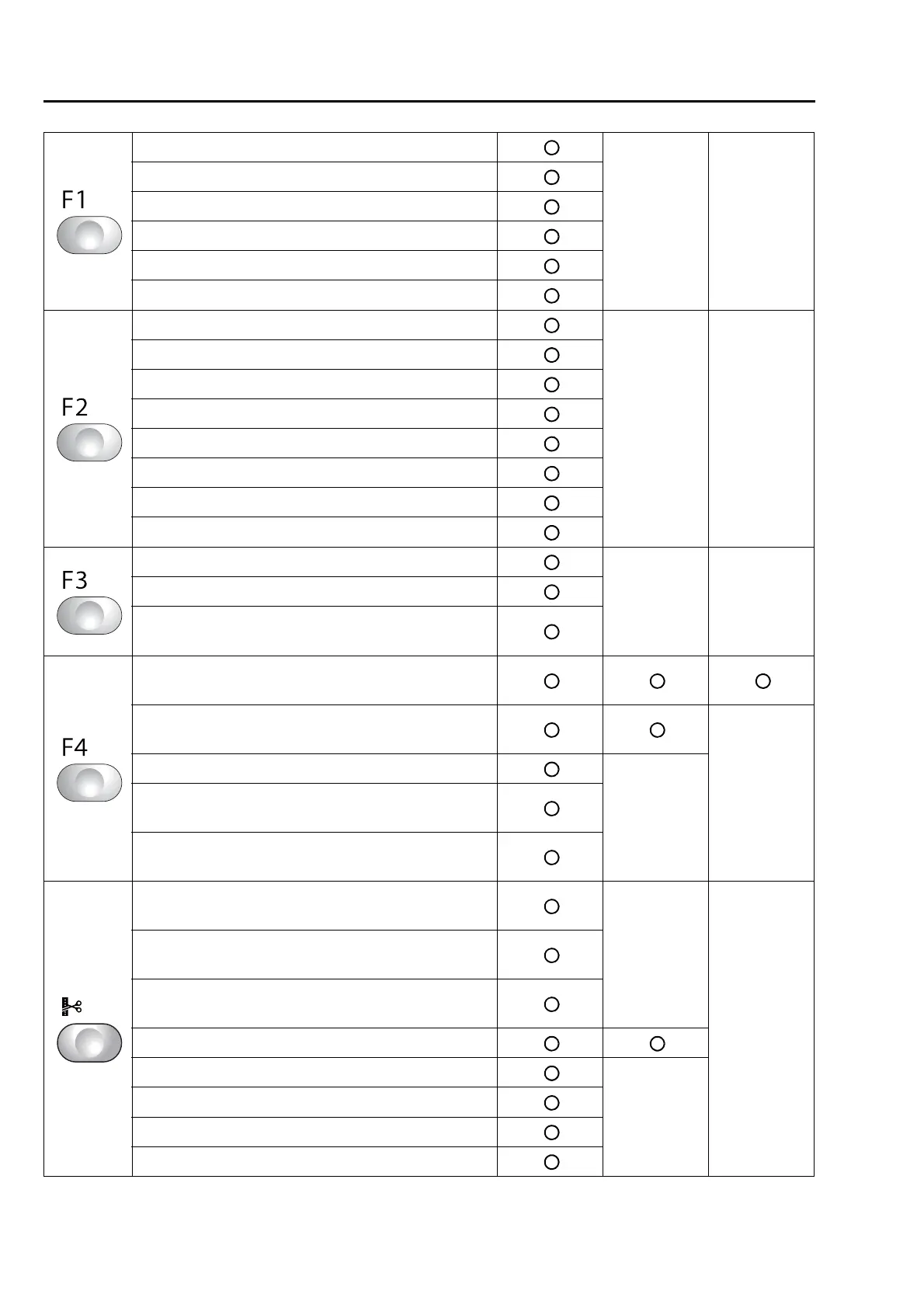
Functional Limit Level
1 Jump Convert...................................................83
Key is invalid Key is invalid
2 Auto Jump......................................................112
3 Satin Stitch.....................................................110
4 Backlash ........................................................109
5 Jump Code Combination ...............................124
6 Software Frame Limit.......................................94
1 Min. Revolution ................................................90
Key is invalid Key is invalid
2 Revolution Limit ...............................................91
3 Main Shaft Inching .........................................122
4 Automatic Origin Return.................................172
5 Frame Travel Speed ......................................125
6 Thread Detection .............................................81
9 ATH..................................................................78
10 Upper thread lock timing ..............................119
2 Sequin............................................................213
Key is invalid Key is invalid
8 Auto Clamp Frame.........................................216
10 Lochrose embroidery device........................206
1 Presser foot Up/Down....................................153
(TMBR-SC only)
2 Presser Foot ....................................................63
(TMBR-SC only)
Not to display
4 Setting in units of Needle bar.........................113
Not to display
8 Multi Cording Device 2...................................207
(TMBR-SC only)
9 Multi Cording Device......................................209
(TMBR-SC only)
1 Data Edit ........................................................129
(Modification)
Not to display
Key is invalid
1 Data Edit ........................................................132
(Insertion)
1 Data Edit ........................................................136
(Deletion)
2 Cleanup..........................................................117
4 Move a design................................................185
Not to display
5 Copy a design................................................186
6 Changing design name ..................................188
7 Changing folder name....................................190


 To Next Page
 Loading...
