Tally Dascom 1145/1125+
6
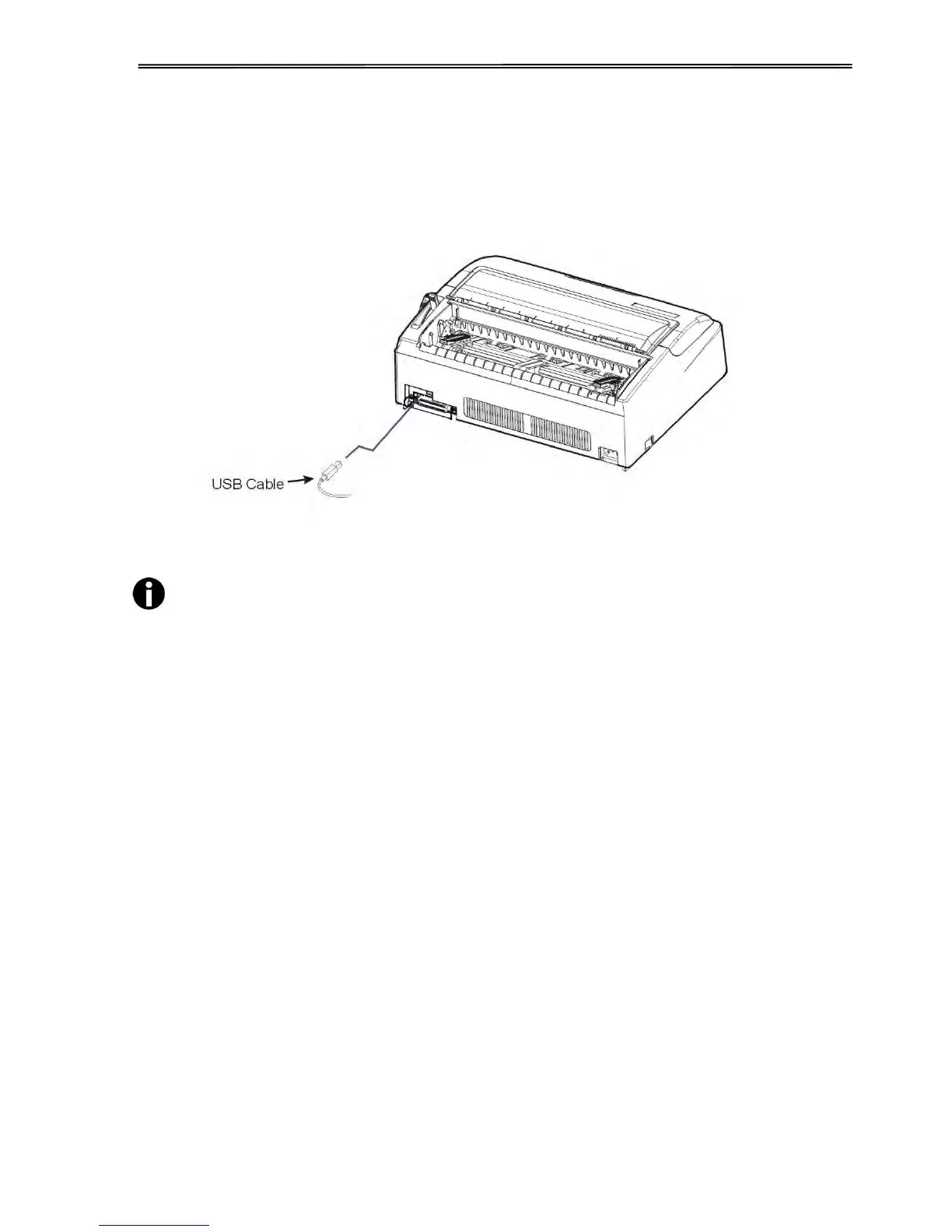
2.3 Connecting the Interface Cable
The USB port is located at the rear of the printer.
IMPORTANT: Make sure the printer and the computer are switched off before connecting or
disconnecting the interface cable to prevent electrical damage to the interface ports.
The printer may also be purchased with an additional interface. The additional
interface can be one of the followings: Parallel, Serial, Ethernet, WiFi or
Bluetooth.



 To Next Page