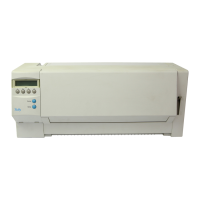
Save settings Once the desired parameter is displayed on the LC display, you can save it
by pressing the Set key. The parameter is then set and the printer automat-
ically displays the parameter groups again. With the Exit key you can
leave the sublevel without saving your changes (see also
Terminating
Menu mode
, page 1-6).
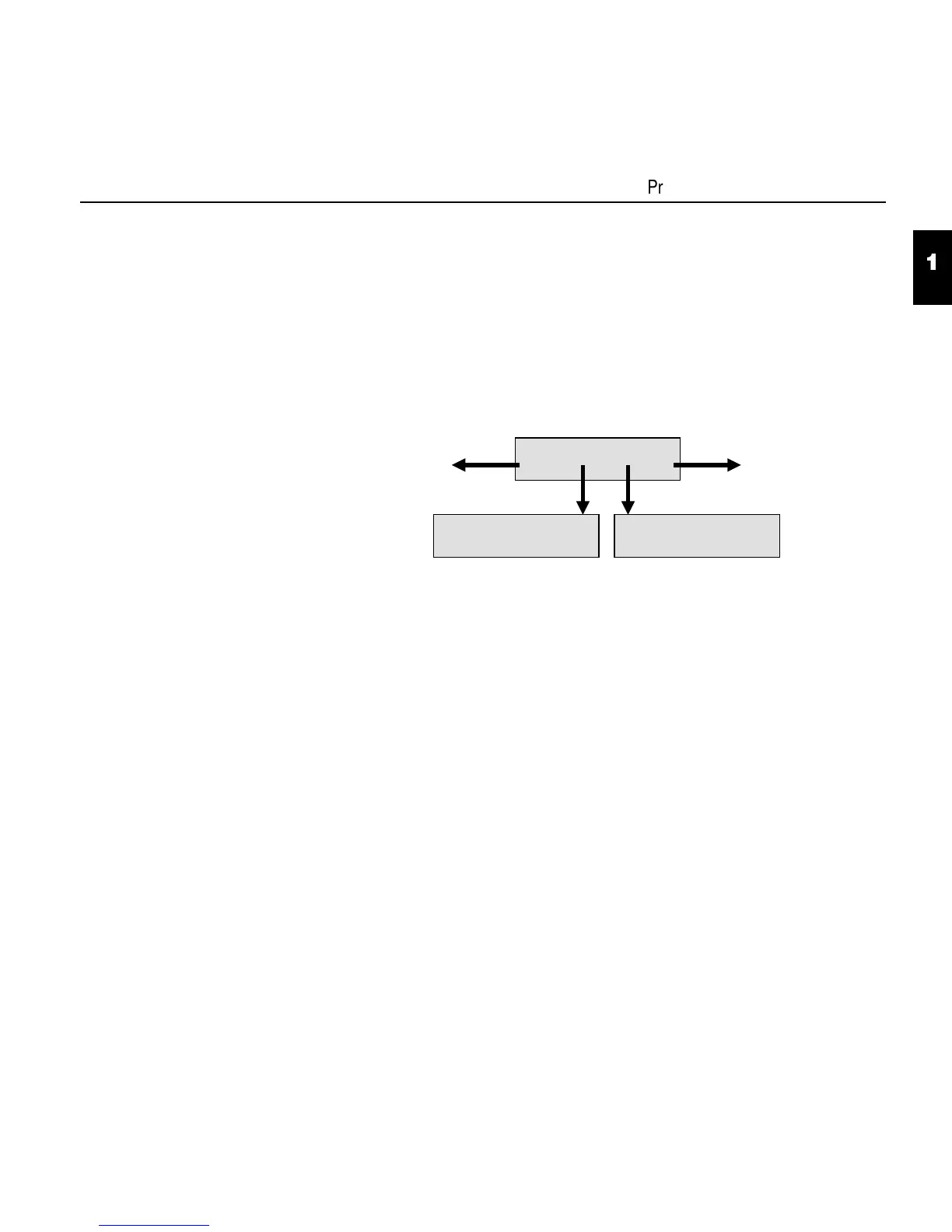
Example:
Back to the
previous
parameter groups
On to the next
parameter groups
LPI Skip
Back Next
6 LPI *
Set < > Exit
Skip = 0.0 Inch *
Set < > Exit
1
4
Programming via the control panel
1 - 11


 To Next Page