Bidirectional print
adjustment (L/R Adj)
Select from the available settings to test and adjust the divergent positions
of lines printed from right to left and from left to right.
The left/right adjustment should be made using fanfold paper, since the
paper should be positioned in the view position in order to check paper off-
set (which is not possible with cut sheets).
For this purpose two lines with the character “
I
” are printed underneath
each other. The number following the printer lines designates the value
which is currently set.
Example:
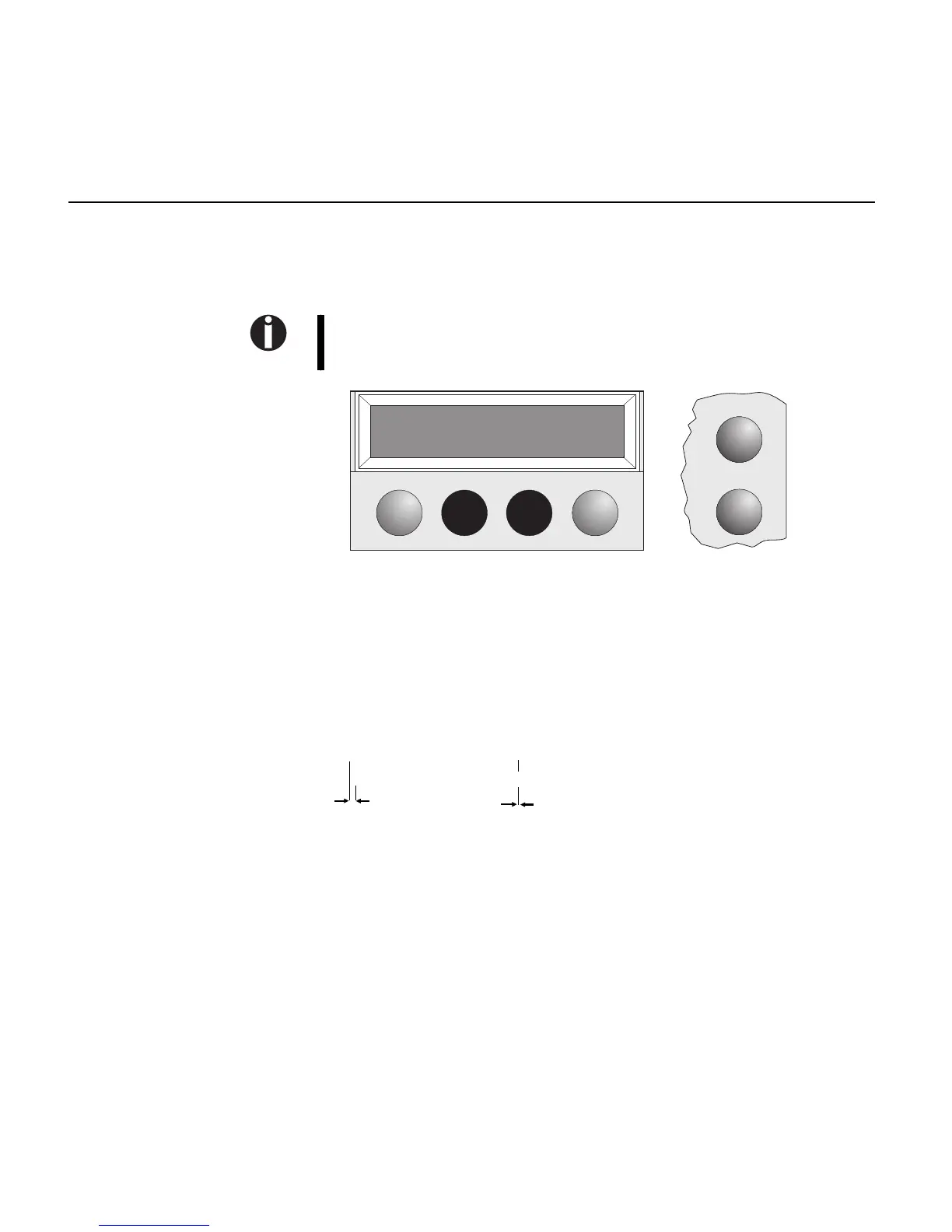
Setup
L/R Adj= 00 *
Set < > Exit
Online
IIIII +10 IIIII 00
IIIII IIIIII
offset
no offset
right
wrong
Bidirectional print adjustment (L/R Adj)
1 - 22


 To Next Page