Wrap
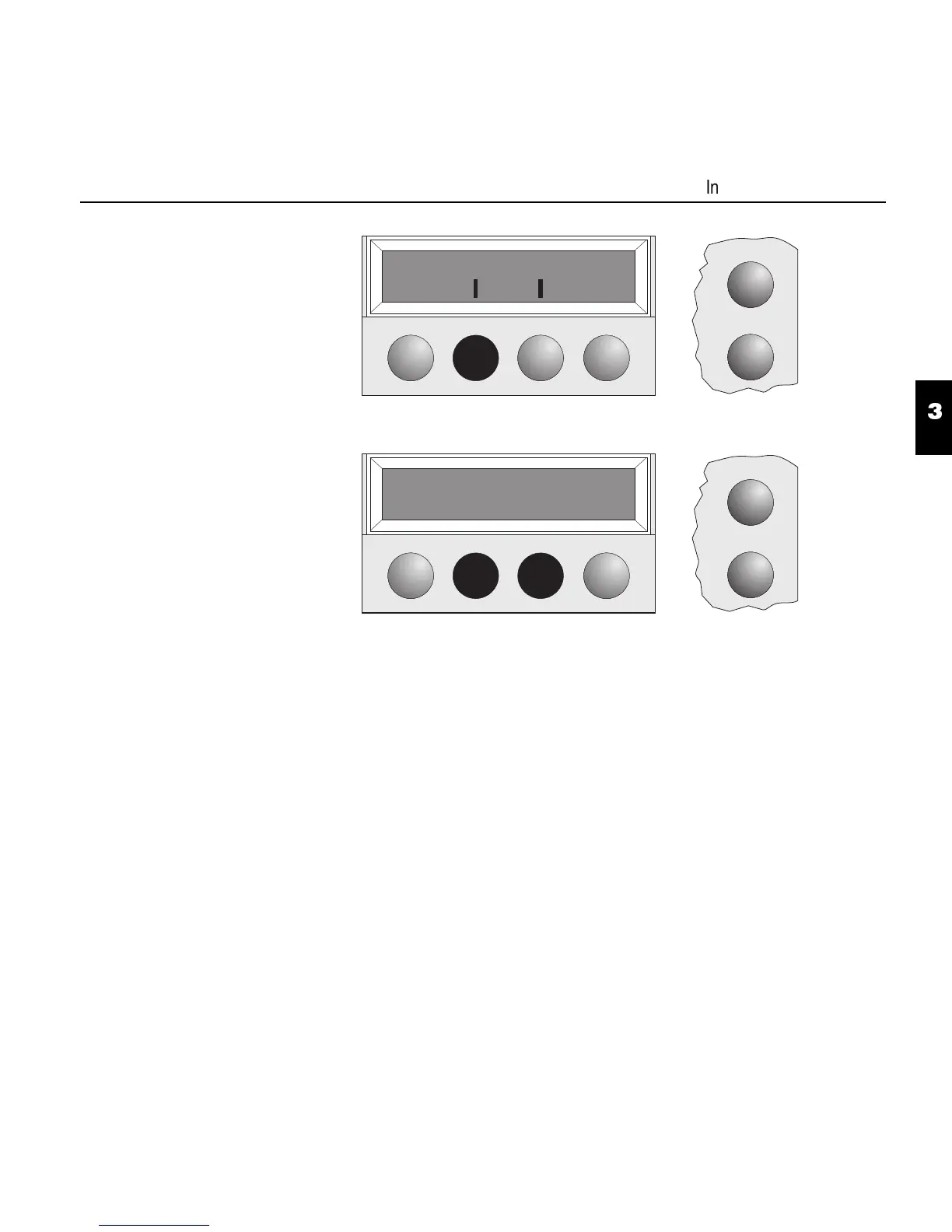
Select the Wrap menu.
Wrap = On (default setting):
If more characters than can be printed are transmitted per line, the charac-
ters which cannot be printed on this line are printed at the beginning of the
next line.
Wrap = Off:
If more characters than can be printed are transmitted per line, the charac-
ters which cannot be printed on this line are cut off.
Confirm the setting by pressing the key Set.
Online
Wrap Sound
Back Next
Setup
Setup
Wrap=On *
Set < > Exit
Online
3
4
Interface test (Hex-Dump)
3 - 9


 To Next Page