Interface test
(Hex-Dump)
With the interface test (Hex-Dump) you can test data transmission from the
computer to the printer. During this test, the data from the computer is
printed out in two columns. The text in the left column is printed in hexade-
cimal format and in the right column in ASCII format.
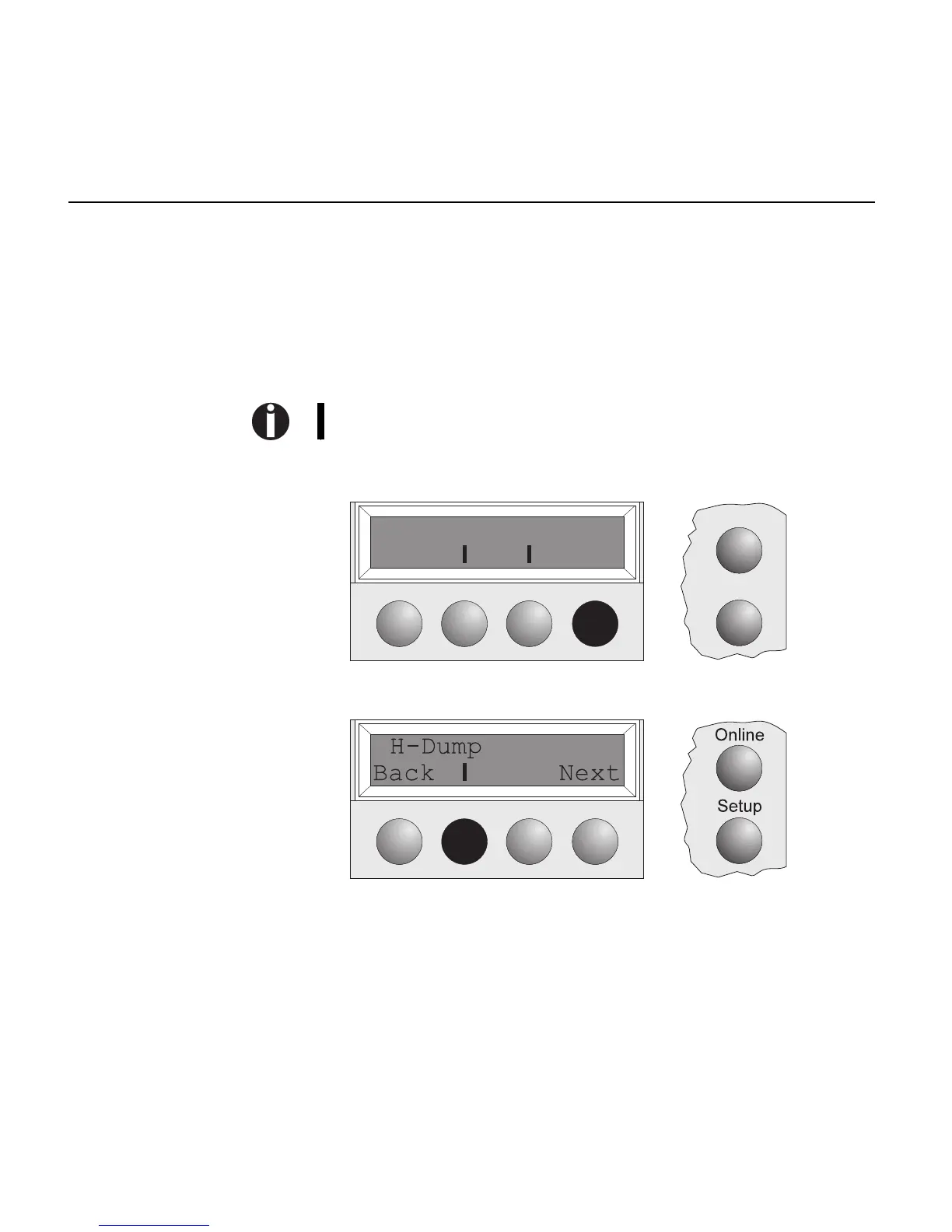
Printout in Hex-Dump Put the printer into Test mode by pressing the key Online while switching
on the printer.
Press the key Online for about three seconds.
The display shows ASCII 80/ASCII 136.
Press the key Next, the display shows the next menu level.
If you press the key H-Dump you put the printer into H-Dump mode and
Online H-Dump is shown on the display.
Online
ASCII80 ASCII136
Back Next
Setup
Interface test (Hex-Dump)
3 - 6



 To Next Page