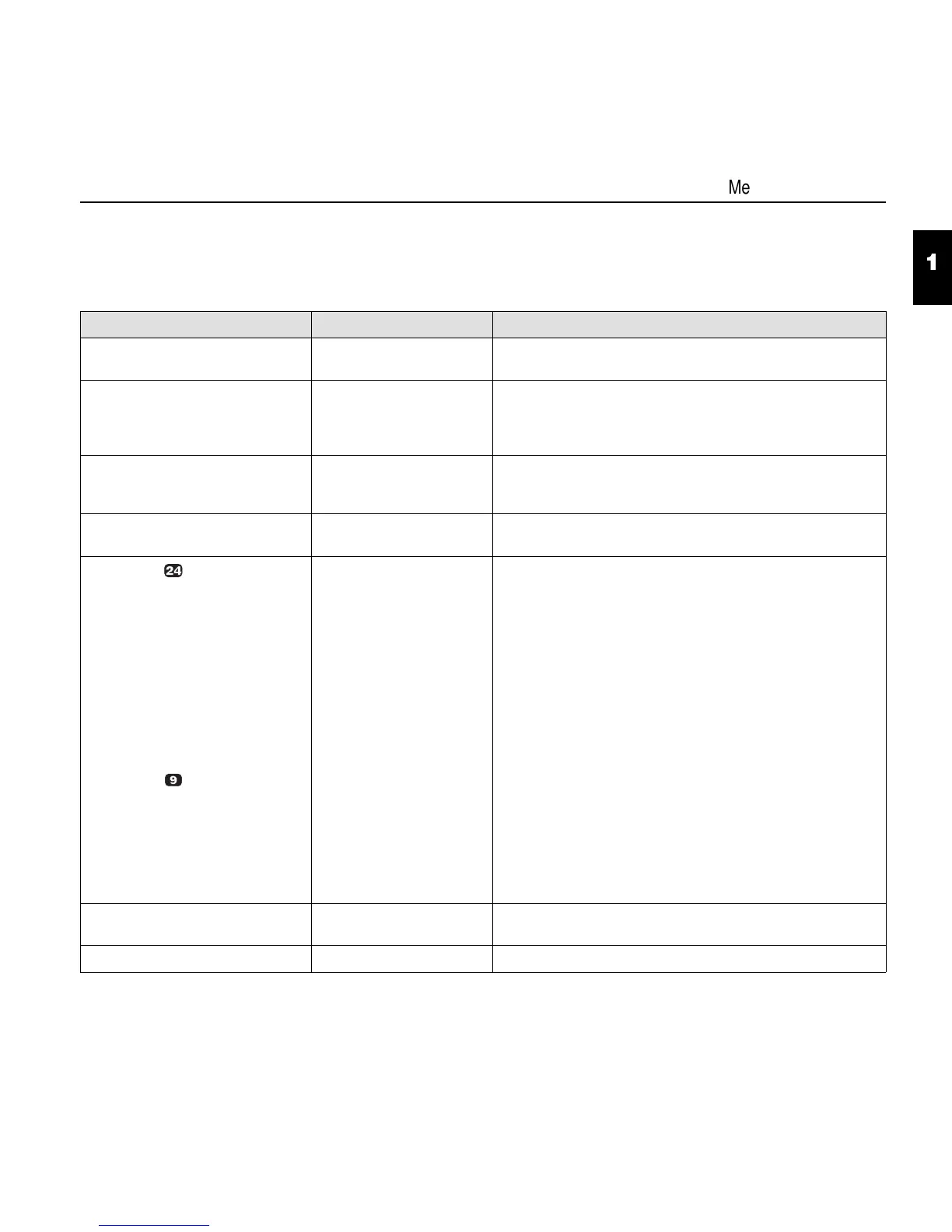
Menu description table
* Factory defaults
Parameter group Parameter Description
Print This parameter prints out all menu configurations. You will
find an example of a printout following this table.
Menu Load Menu = 1*
Load Menu = 2
Load Menu = 3
Load Menu = 4
One of four menu configurations can be loaded.
Reset Reset Menu?
Yes
No
The currently active menu configuration is reset to the basic
settings.
L/R Adj -16 ... 00* ... +16 You will find a description of this function at the end of this
chapter.
Font Draft
Draft Copy*
ROMAN
ROMAN PS
SANS SERIF
S SERIF PS
COURIER
PRESTIGE
SCRIPT
OCR B
OCR A
COURIER I
COUR I PS
LN DRAFT
HS DRAFT
DRAFT*
QUADRATO NLQ
COURIER NLQ
OCR A/B DIN/ISO
DLL DRAFT
DLL NLQ
The font can be selected. The fonts marked I (e.g.
Courier I PS) are IBM compatible character generators.
All fonts except Draft can be selected in LQ or in NLQ with
the 24-needle head.
If OCR A/B DIN/ISO is selected, observe the information
given with the Country parameter group
CPI 5 / 6 / 7.5 / 8.6 / 10* / 12 /
15 / 17.1 / 20 CPI
Selects the character density (cpi = characters per inch).
LPI 2 / 3 / 4 / 6* / 8 / 12 LPI Selects the line density (lpi = lines per inch).
1
4
Menu description table
1 - 13


 To Next Page