Care and maintenance The printer is designed to operate with minimal maintenance. It is recom-
mended to check the ribbon from time to time and to clean the platen and
the paper rollers.
Preventive maintenance is not necessary.
Before cleaning, turn off the printer and disconnect the power cable.
The print head may be hot immediately after printing. Wait until it cools
down (about 15 minutes) before cleaning.
Cleaning the housing Clean the printer housing with mild detergent (or a plastic cleaning agent)
and a soft lint-free cloth.
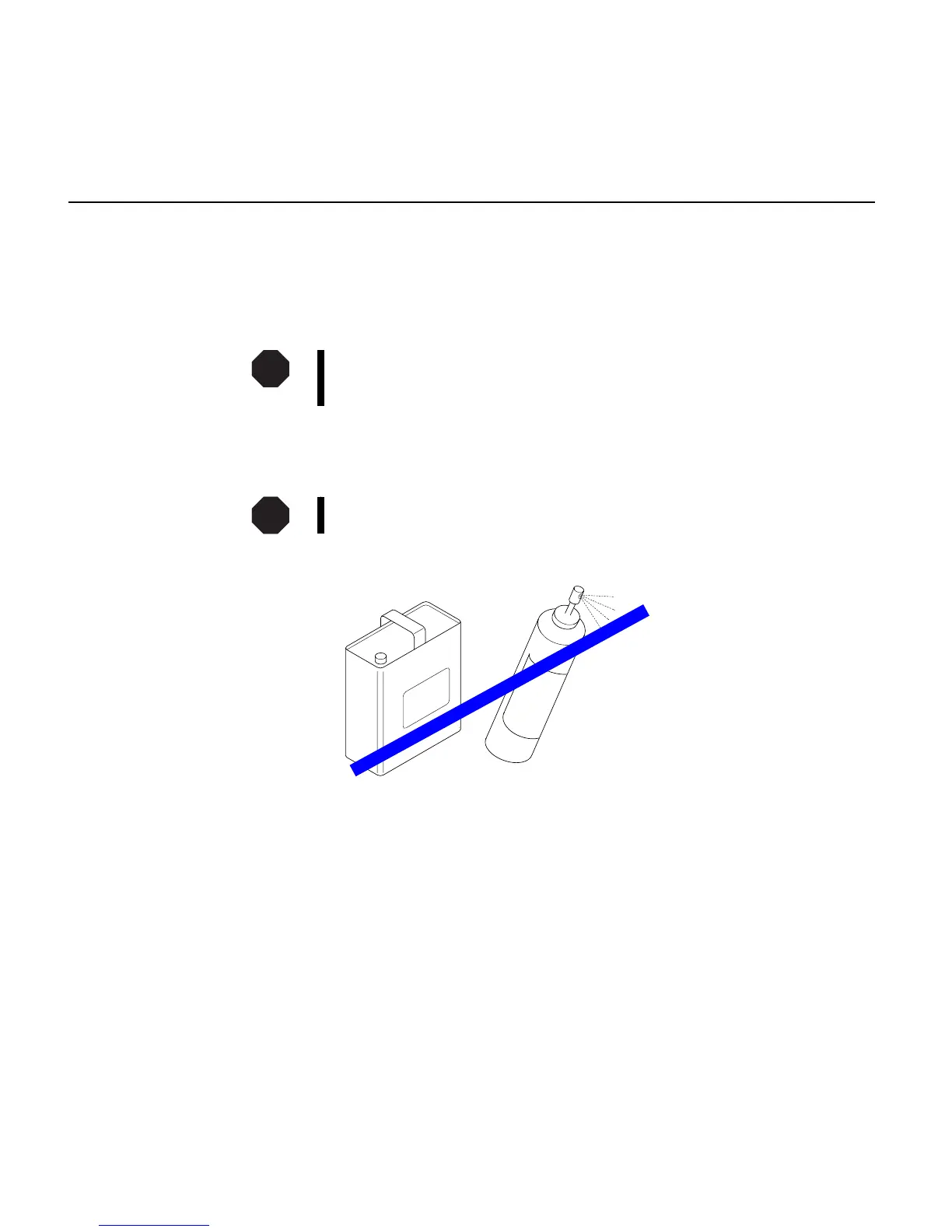
Do not use abrasive cleaners. Never use solvents.
STOP
STOP
Care and maintenance
3 - 24



 To Next Page