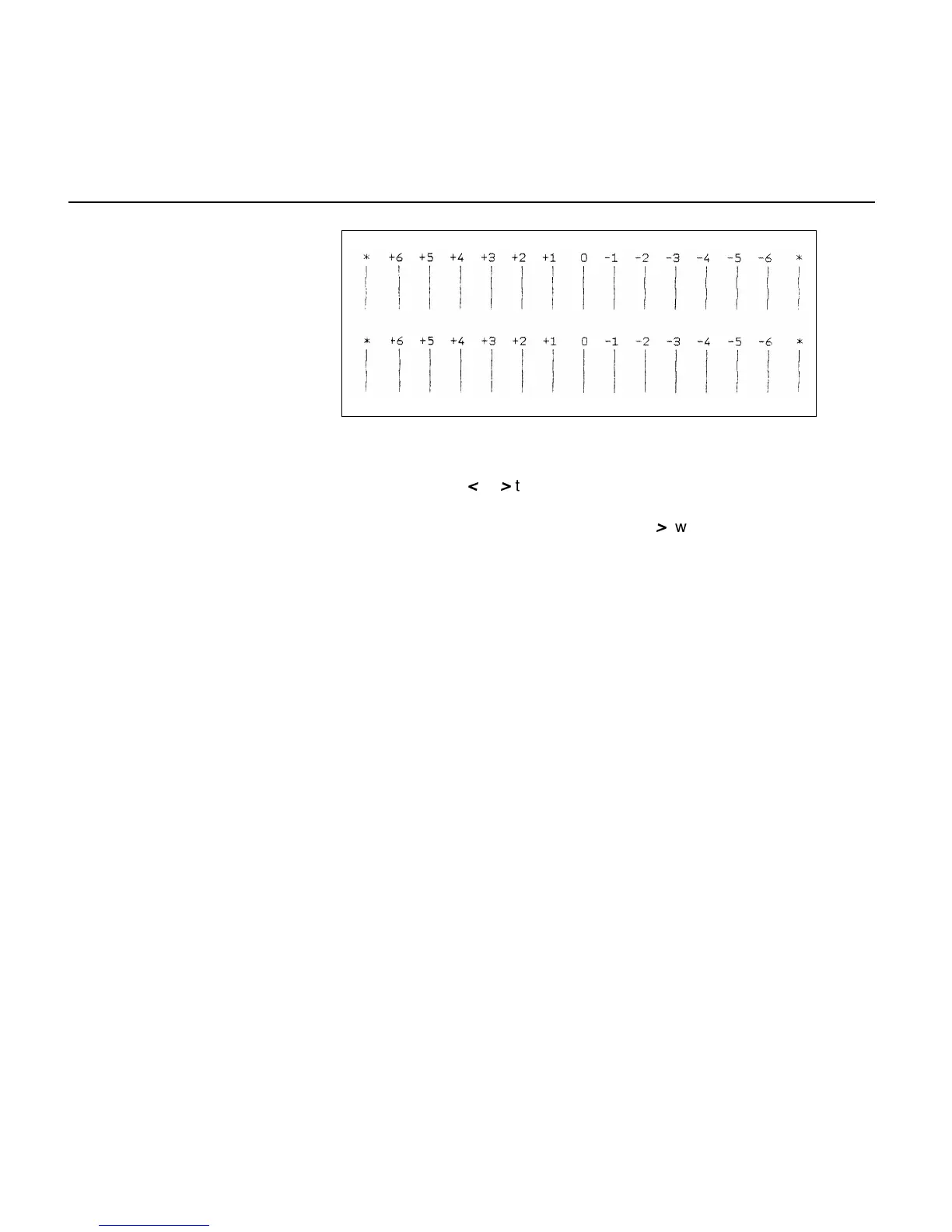
First part A is printed.
Select by the key
<
or
>
the number of best horizontal registration.
Example
In the figure above +2 is best. Press the key
>
two times until +2 is dis-
played and then press the key Set. The printer prints the vertical bars once
more as shown in part B. Bar +2 of part A is moved to bar 0 of part B.
You can repeat sometimes.
If you can get the best setting for “0” bar, please press the key Exit to
finish the L/R Adjustment mode.
When you exit this horizontal adjust mode, the new parameter will be
saved to NVRAM.
If you don’t need the new NVRAM dump list, switch off the printer.
If you need the NVRAM dump list, change the Paper Path Selection Lever
to Single mode and insert a A4 cut sheet paper. The printer prints the new
NVRAM dump list automatically.
A
B
Mechanical adjustments to the printer
3 - 14



 To Next Page