The Supplied CD
100 English
Appendix
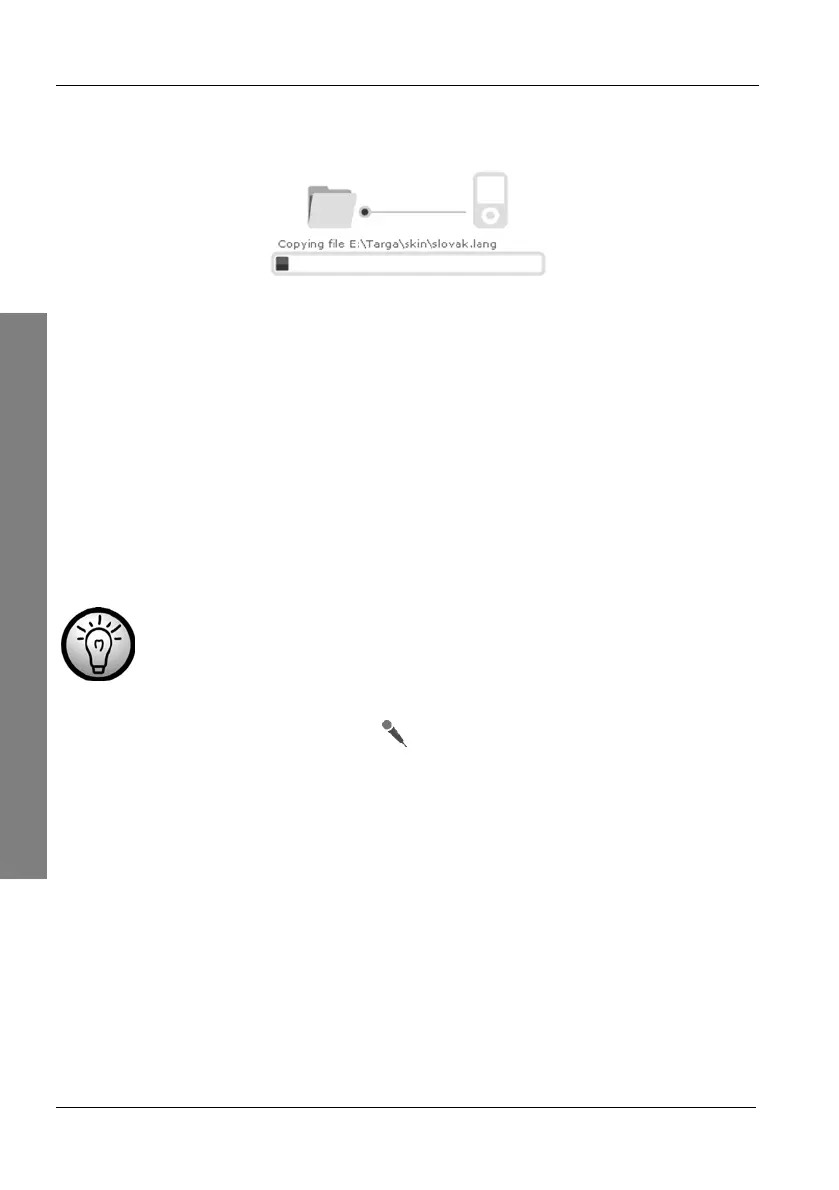
A graphics will inform you of the status of the copy process. Please wait until
the red status bar reaches the end position. The copy process is then
completed and the status display disappears.
4.2.2 Installing Guidance Voices
Just as you can install and remove maps, you can also install different
guidance voices.
Of course it is possible to install multiple voices and select the desired voice
later on when using the device (page 87).
Not all languages support multiple voice types.
On the CD main menu, click Voices.
To do this, click the corresponding tab.
Select a desired voice from the list by clicking on the checkbox behind
it. The checkbox will contain a green arrow icon.
or
To unselect any installed voices, remove the mark from the checkbox
by clicking on it. The checkbox will contain a red arrow icon.



 To Next Page