POI - Points of Interest
Navigation Device PNA-E3530 79
Navigation
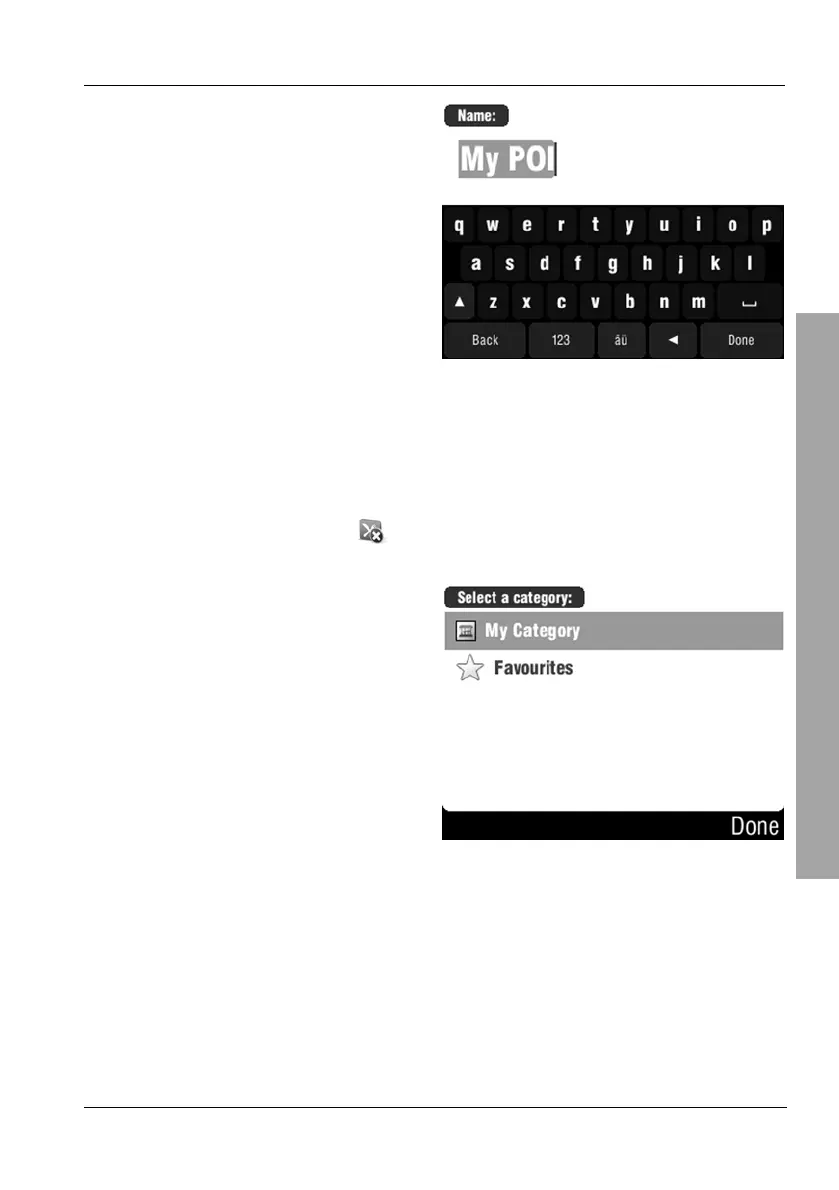
Edit the POI or Favourite name by
overwriting it with a new name.
Then tap on Done.
3.8.3 Delete POI
You can delete any custom POIs.
On the POI menu, tap Delete POI.
Select the desired category by
tapping on it.



 To Next Page