The Supplied CD
Navigation Device PNA-E3530 99
Appendix
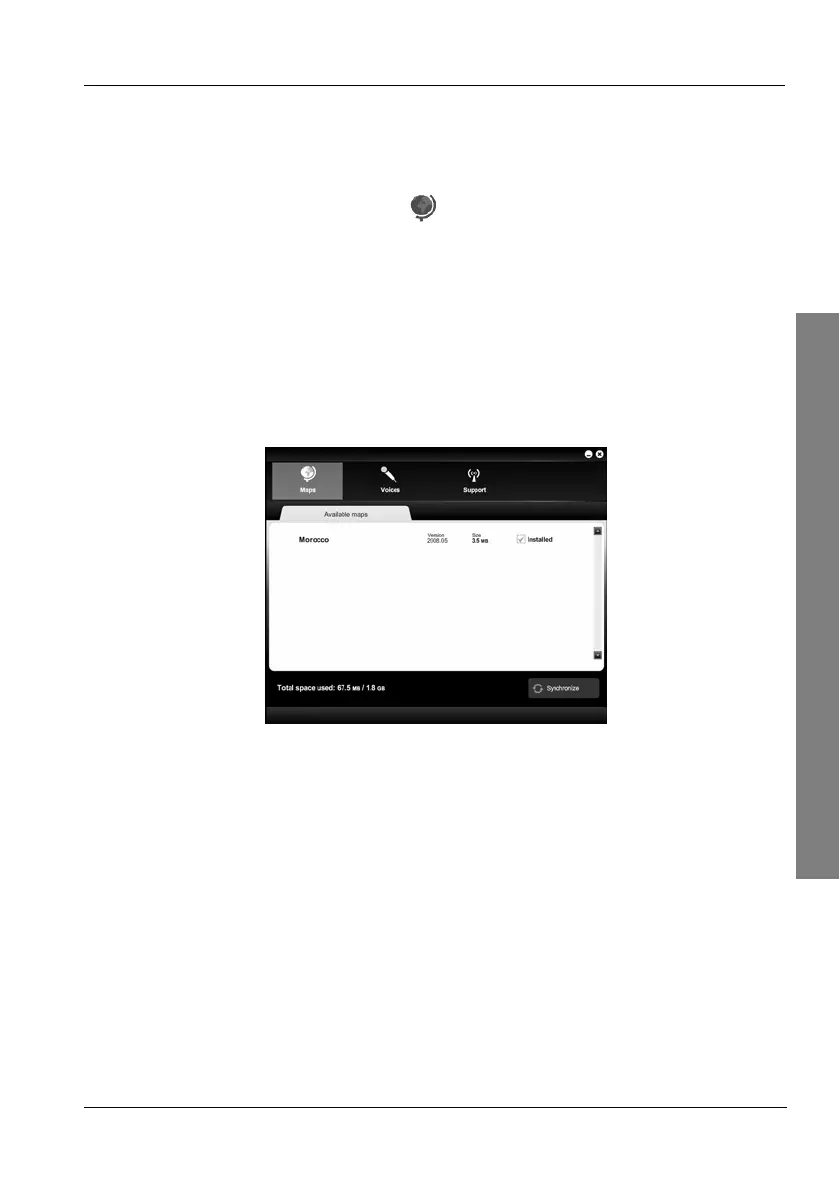
4.2.1 Installing Maps
Here you can add or remove maps.
On the CD main menu, click
Maps.
Select a desired map from the list by clicking on the checkbox behind
it. The checkbox will contain a green arrow icon.
or
To unselect any installed maps, remove the mark from the checkbox
by clicking on it. The checkbox will contain a red arrow icon.
You may choose multiple maps, as long as there is enough free
storage space on the device.
Click on the Synchronize button to start the copying process.



 To Next Page