Route Settings
70 English
Navigation
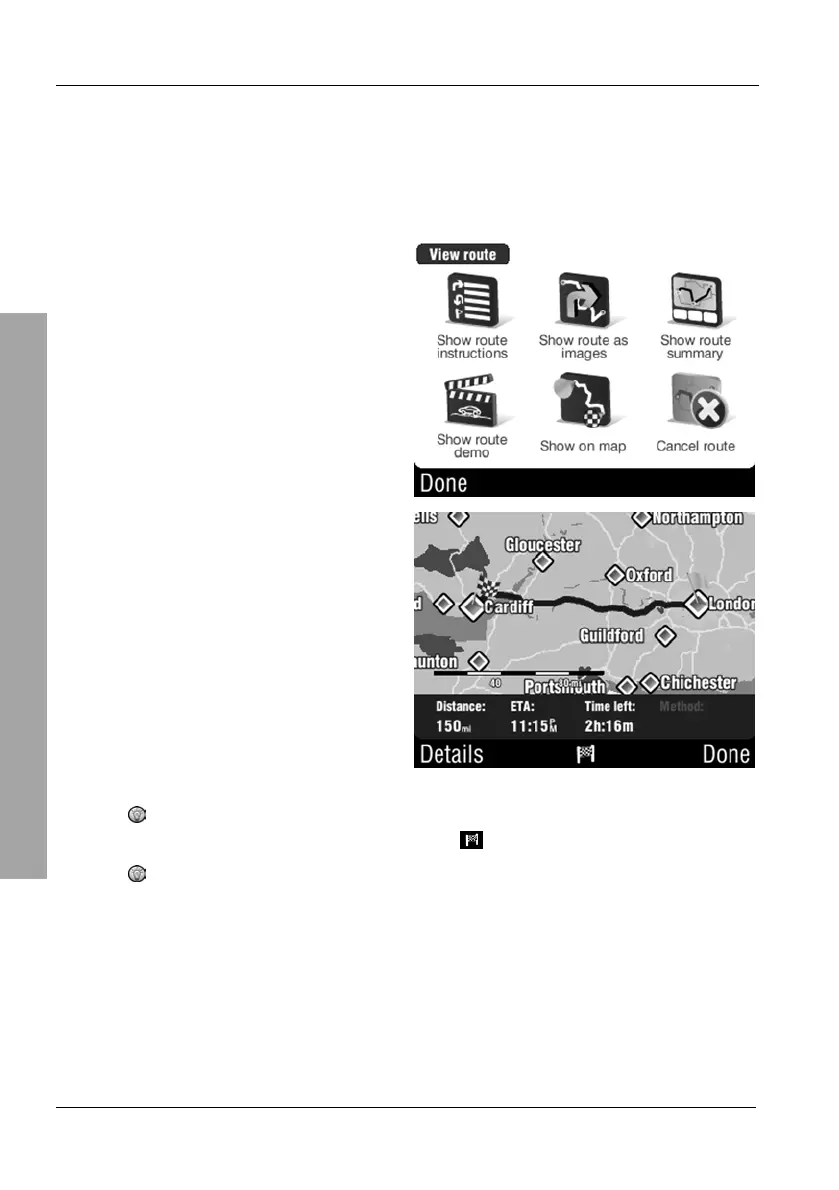
3.7.6 Show route summary
The route summary displays the entire route as well as information about
distance, estimated time of arrival and duration.
On the Route menu, tap Show
route summary.
This view corresponds to the
overview that displays after entering
a new route. Here you can also
unselect any route items. To do this,
tap Details (see the description
starting from page 41).
if the route consists of several legs with waypoints you can view
the individual legs by tapping the
button.
Tap Done to return to the Route menu.
Additionally you may tap any position on the display to show information about
that position.



 To Next Page