General Operation Notes
26 English
Introduction
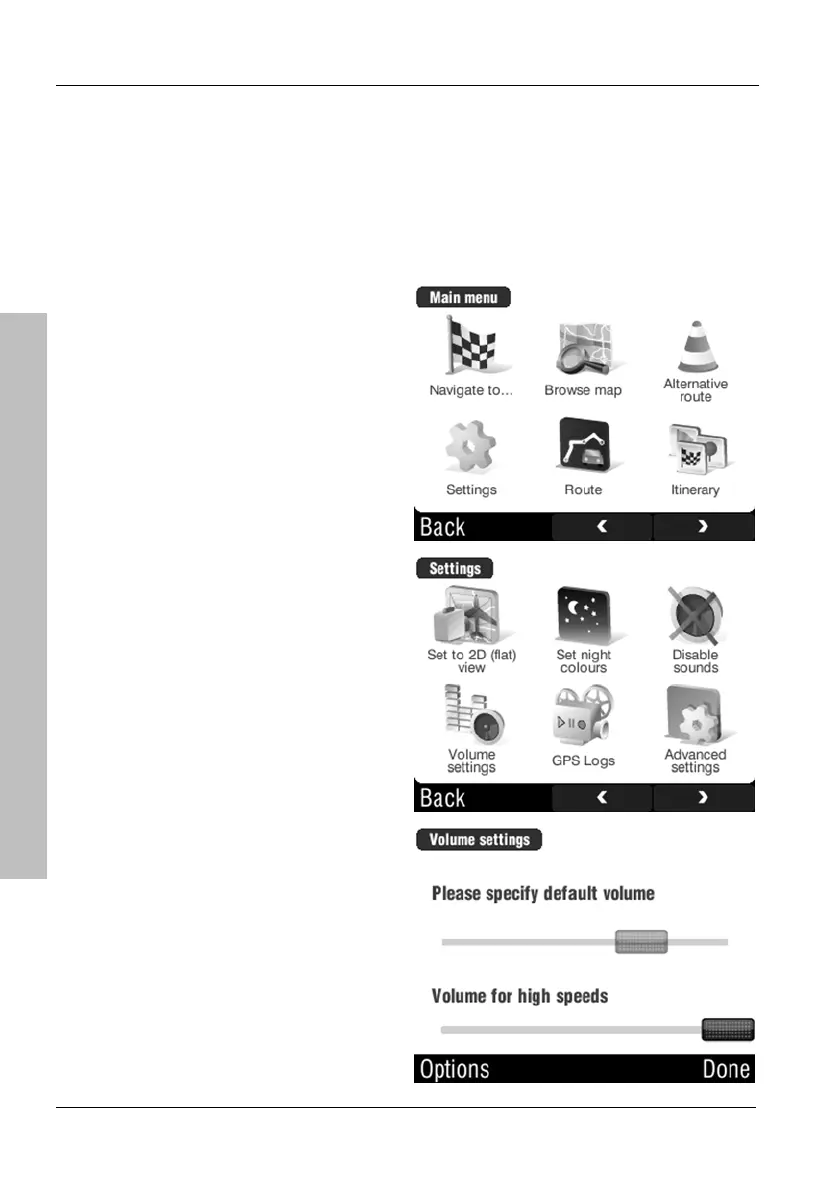
2.10.3 Adjusting the Volume
To adjust the volume, press the rocker switch (page 12, item 5). You can also
set the volume for high speed independently. Tap on the display to open the
GPS main menu.
Tap Settings.
Tap Volume settings.
Use the upper slider to adjust the
default volume and the lower slider
to adjust the volume for higher
speed.



 To Next Page