Frequently Visited Destinations
44 English
Navigation
3.5.2 Home Address
3.5.2.1 Set Home Location
Enter your home address in order to program any journey back home with just
a few steps. Proceed as follows:
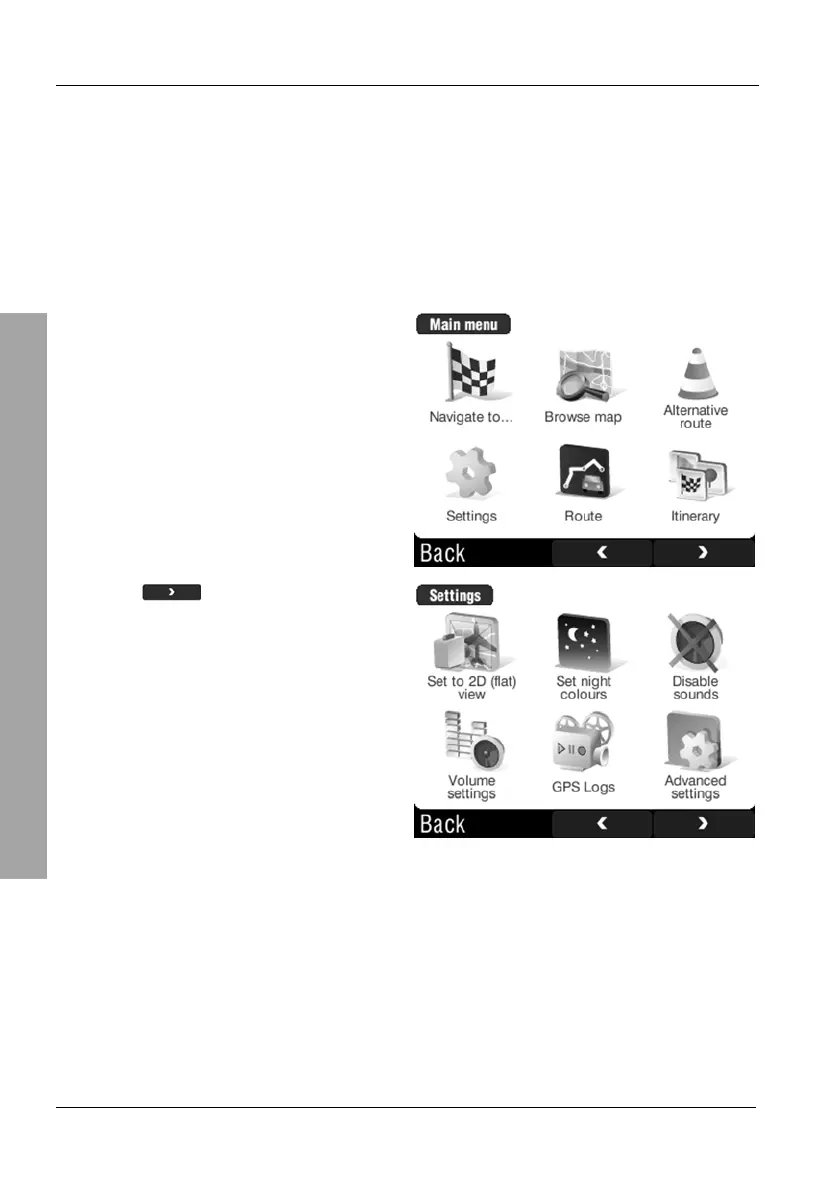
Tap on the display to open the GPS main menu.
Tap Settings.
Tap the
button twice to show
the third page of the Settings menu.



 To Next Page