POI - Points of Interest
82 English
Navigation
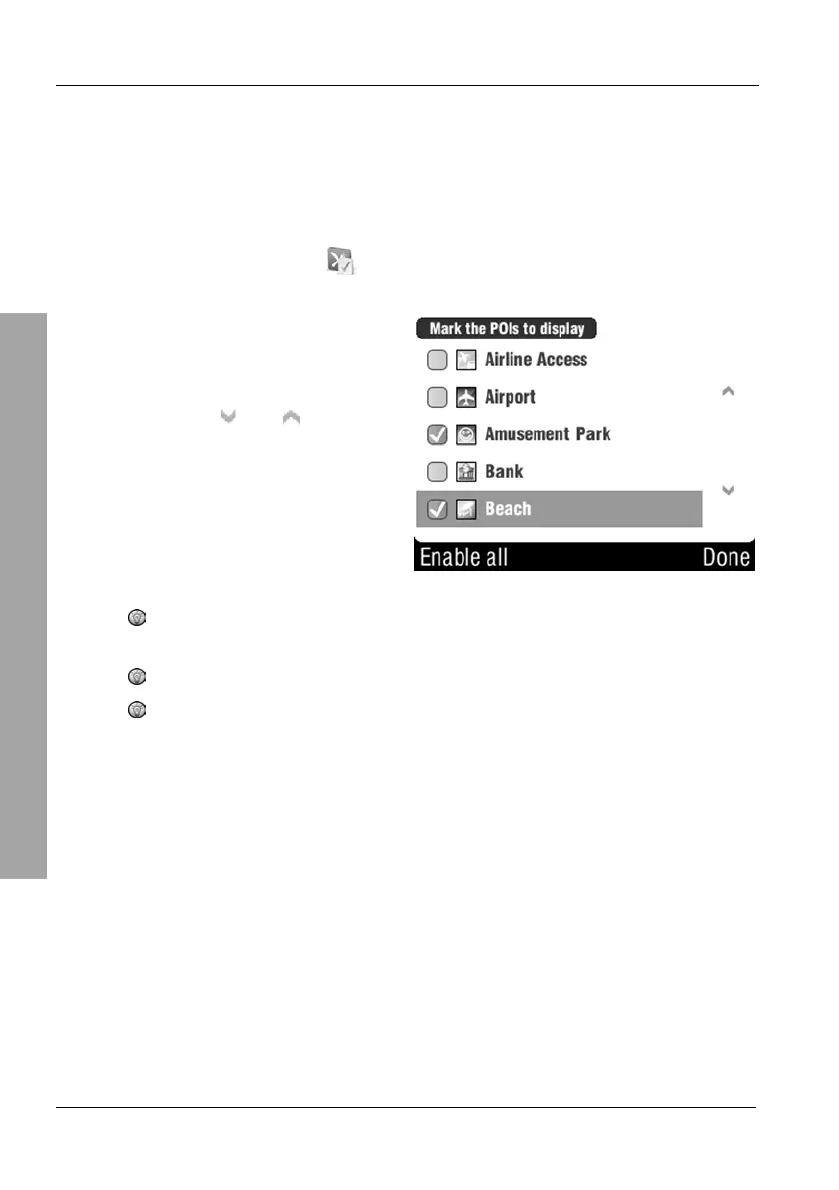
3.8.5 Showing and hiding POIs
Here you can select what POI categories you want to display. These settings
affect the Browse map view (page 51), the route (page 62) and the navigation
display (page 35).
On the POI menu, tap
Show/hide POIs.
Select the desired categories by
placing a checkmark in the
corresponding fields.
You can use the
and buttons
to change the displayed page.
To hide a single category, tap the corresponding checkbox again.
The checkmark will be removed and the category will not display.
The button Enable all lets you select all categories.
To quickly unselect all categories, first tap the Enable all button.
The button will switch to Disable all. Tap it again to unselect all
categories.



 To Next Page