Map Options
56 English
Navigation
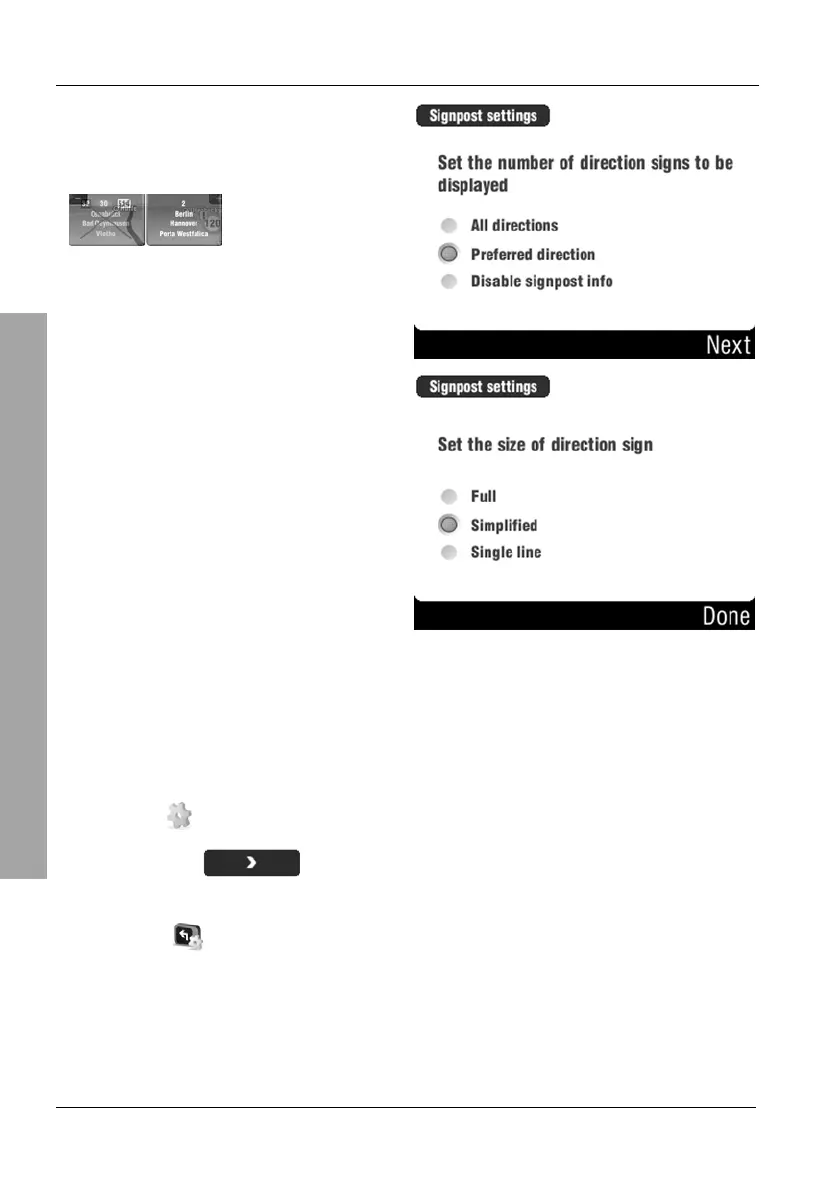
Select the desired level of
signposts.
Example All directions:
Then tap on Next.
Select the size of the directional
signs and tap Done.
3.6.6.2 Rotate display
You can use the device in portrait and landscape orientation.
Tap on the display to open the GPS main menu.
Tap
Settings.
Tap the
button once to show the second page of the Main
menu.
Tap
Rotate display to toggle between portrait and landscape
screen orientation.



 To Next Page