Frequently Visited Destinations
Navigation Device PNA-E3530 45
Navigation
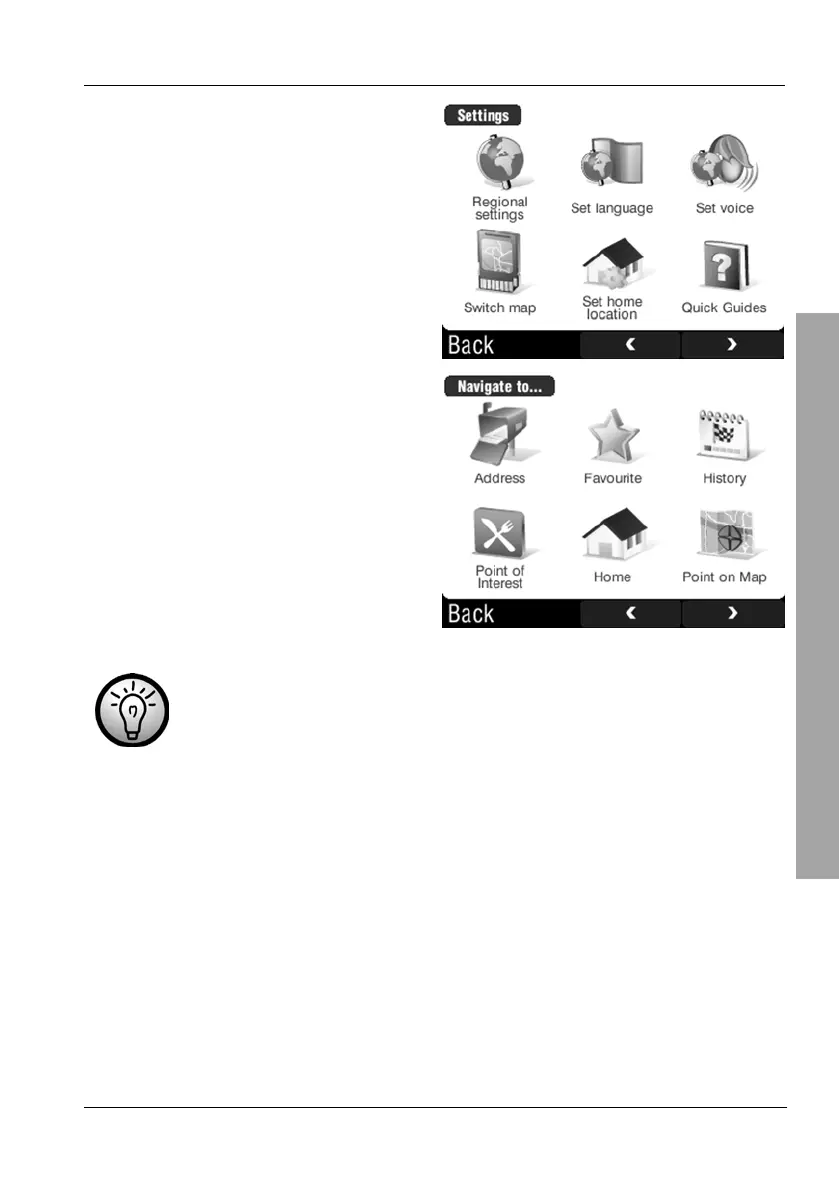
Tap Set home location.
Tap Address.
If you have already entered your home address you can tap on
History and choose the entry with your address by tapping on it.
Proceed the same way as for programming a new destination. As soon as you
are finished, you are returned to the map display. The navigation device will
store the entered address under the Home entry. To modify this address,
repeat the above steps to overwrite the existing one.
3.5.2.2 Recalling Your Home Address
If you have entered your home address you can easily set a route for driving
home. Tap on the display to open the GPS main menu.



 To Next Page