POI - Points of Interest
Navigation Device PNA-E3530 83
Navigation
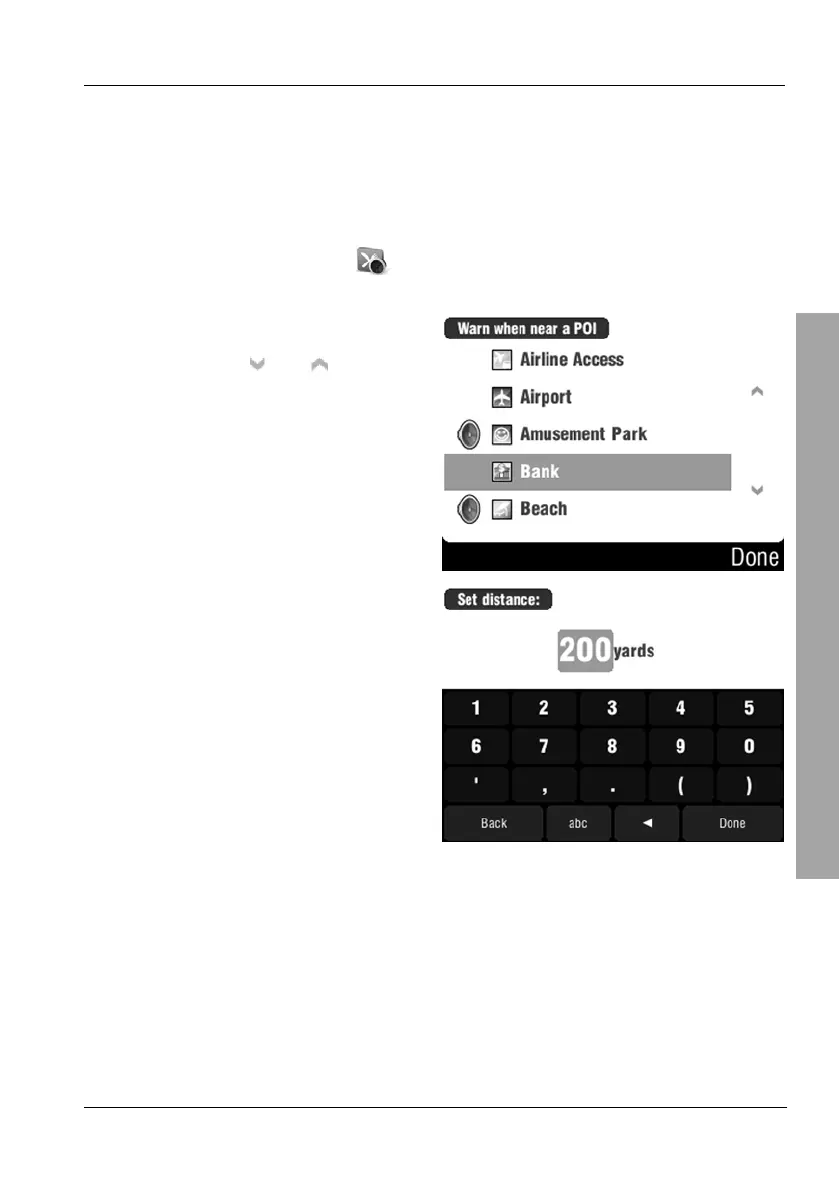
3.8.6 Enable a POI Notification
You may enable a notification for any category. During navigation, an acoustic
signal will notify you when approaching a POI of the chosen category.
Optionally you may also display a message over the POI.
On the POI menu, tap
Warn when near POI.
Select a category by tapping on it.
You can use the
and buttons
to change the displayed page.
Set a distance in meters where you
want to receive the notification.
Then tap on Done.



 To Next Page