The GPS Main Menu
30 English
Navigation
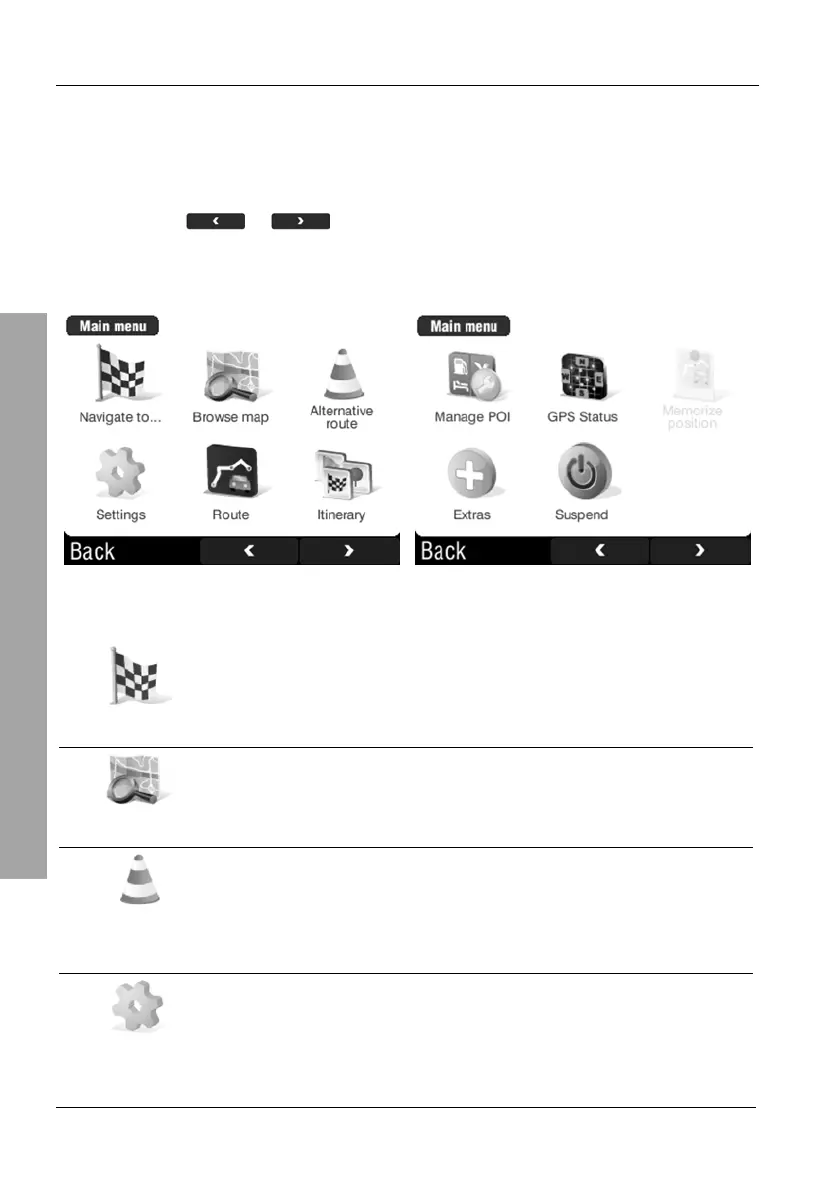
3.2 The GPS Main Menu
The GPS main menu is your central point of access to all functions of your
navigation system. It consists of two display views. To toggle between the
views, tap the
or buttons.
During navigation you can tap the display at any time to show the navigation
main menu. Current navigation will not be interrupted.
The following options are available:
Navigate to...
Use this button to start navigation. Several options are
available:
Browse map
Shows the active map with the present position. You can
use this function to display addresses or POIs (Points of
Interest).
Alternative
route
Here you can edit a programmed route, for instance to
avoid a traffic jam or to enter a waypoint.
Settings
The Settings menu offers multiple options to customise
your device to your needs.



 To Next Page