Charging the Battery
Navigation Device PNA-E3530 15
Introduction
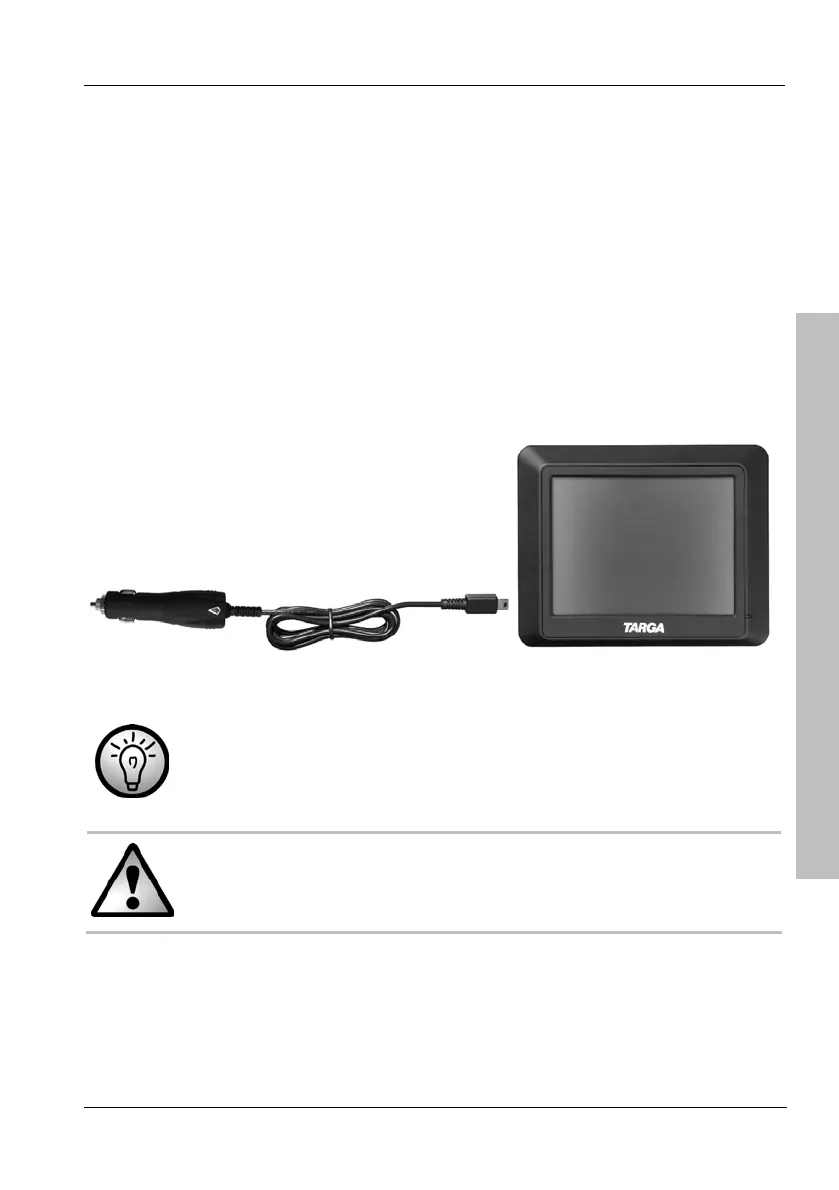
2.5.1 Recharging in the Car
Plug the Mini-USB connector of the car charger cable [page 11, item 4]
into the receptacle [page 12, item 2] of your navigation device.
Then connect the car charger to a suitable cigarette lighter in your car.
The charging process starts automatically, and the charger indicator
[page 12, item 4] lights blue. When charging is completed, the indicator
will stop lighting.
You can connect the car charger to a 12V or 24V cigarette lighter.
In order to protect your device from any sudden voltage surges,
connect the car charger cable after you have started your car
engine.



 To Next Page