Route Settings
64 English
Navigation
3.7.3 Programming Routes
You can easily program, save and edit a complete route plan with several
waypoints. This function is useful when planning express carrier delivery
routes, for example. All entries will be used as waypoints, with the route
starting at the present position. During navigation you can move programmed
waypoints on the list or mark as visited.
Tap on the display to open the GPS main menu.
Tap
Itinerary.
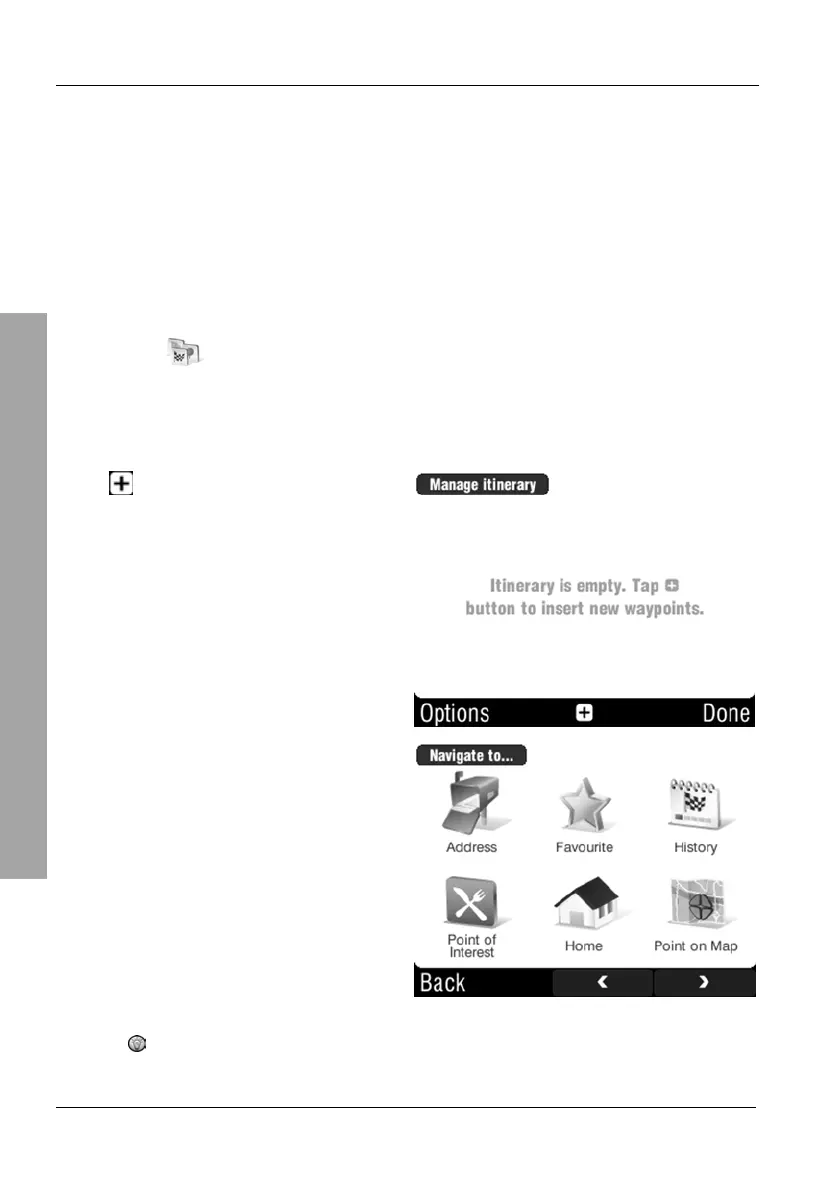
Tap the New button to program a new route or tap on Current route to
edit the active route.
Tap to create an entry.
Next enter as many waypoints as
necessary.
Repeat the process until all destinations have been entered.



 To Next Page