Route Settings
Navigation Device PNA-E3530 65
Navigation
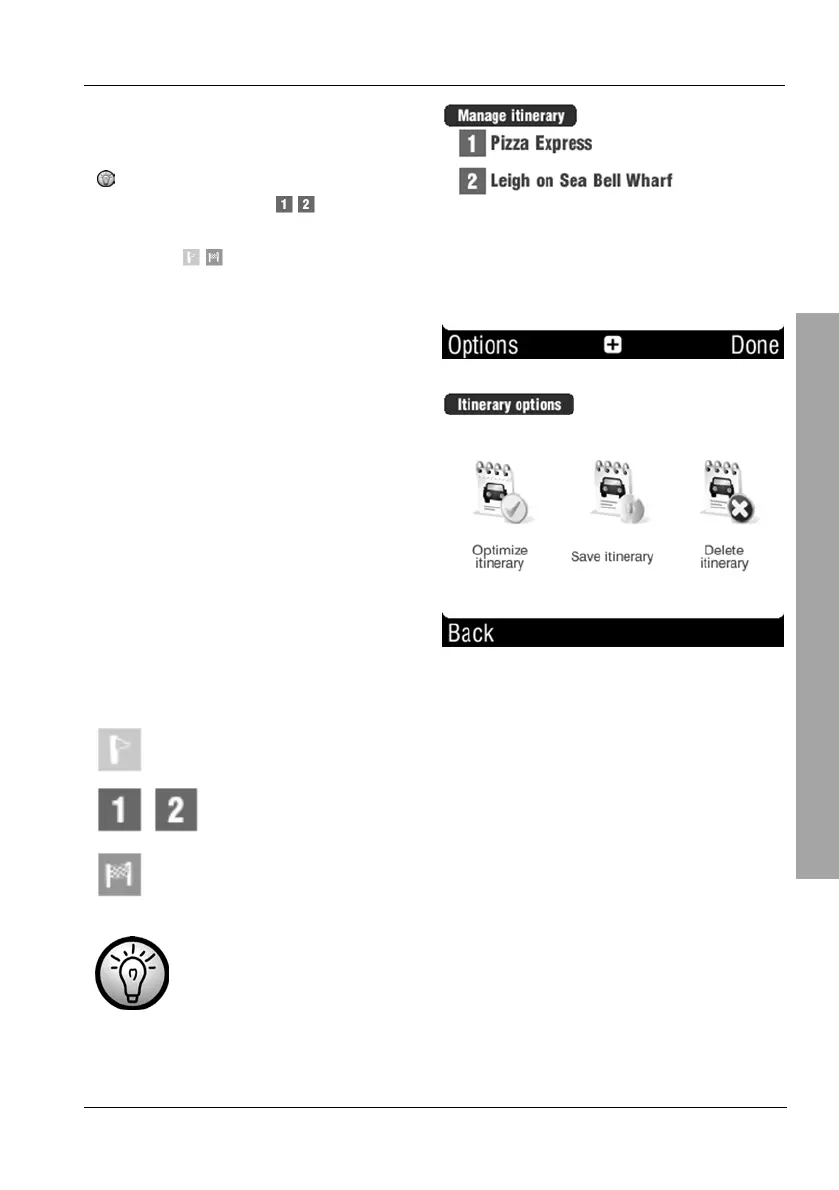
Tap Options to continue editing the
programmed route.
It is also possible to define the
stopovers (icon
, ,…) to
become the start or destination
(icon
, ,…) of your route.
Continue reading on page
LINK(66) to learn more about
the available options for an
individual position.
Optimize itinerary will use the
current position as start.
Save itinerary allows you to save
the route under a name of your
choice.
Delete itinerary will remove all
entries.
The list icons have the following meaning:
Starting position
, , …
Points along the route
Destination or waypoint
If you have saved a planned route you can retrieve and execute it
from the Itinerary menu at any time.



 To Next Page