POI - Points of Interest
84 English
Navigation
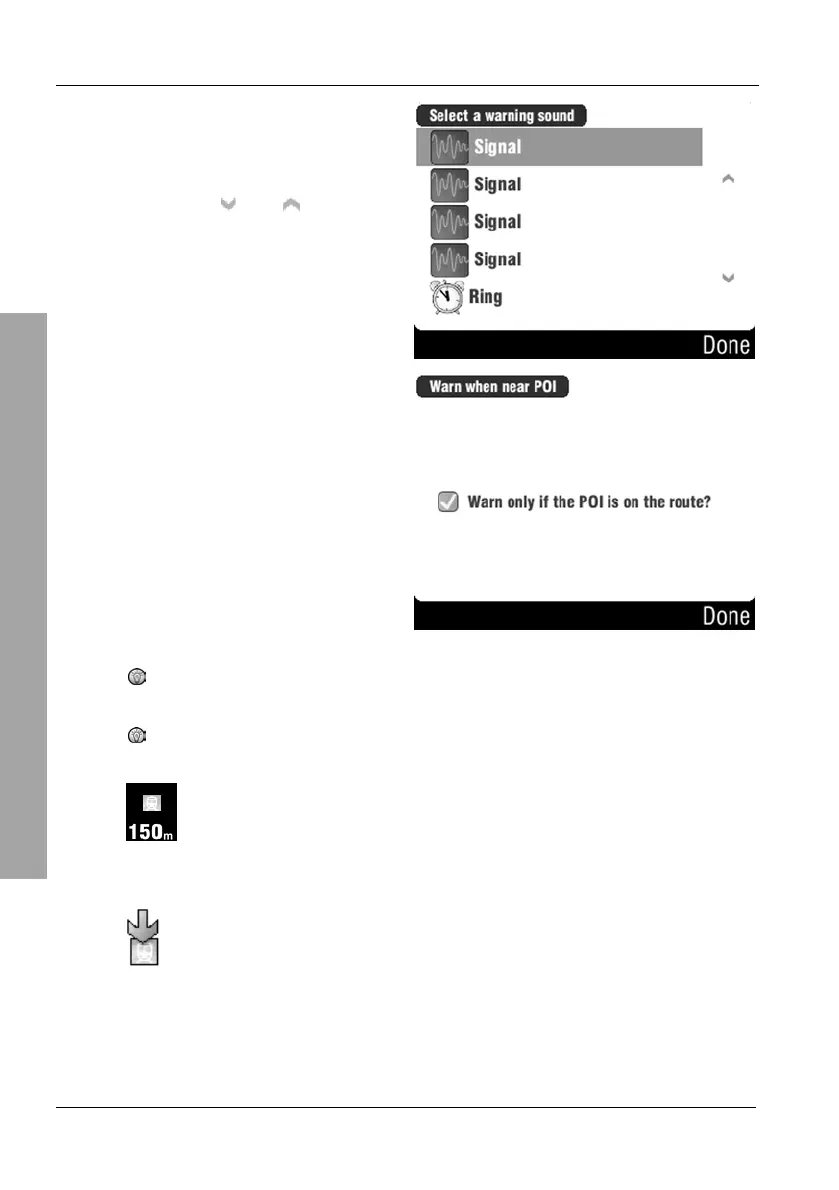
Select a warning sound by tapping
on it. A sound sample will be output
when selecting it.
You can use the
and buttons
to change the displayed page.
Then tap on Done.
Tap to place a checkmark in the
checkbox to enable the on-screen
message.
Then tap on Done.
You are returned to the navigation
display.
To enable the notification for multiple categories, repeat these
steps.
If you have enabled the additional on-screen message, it will
appear when you are located near a POI.
Tap on this message to mark the POI on the map. It will then be
displayed as follows:



 To Next Page