General Operation Notes
Navigation Device PNA-E3530 27
Introduction
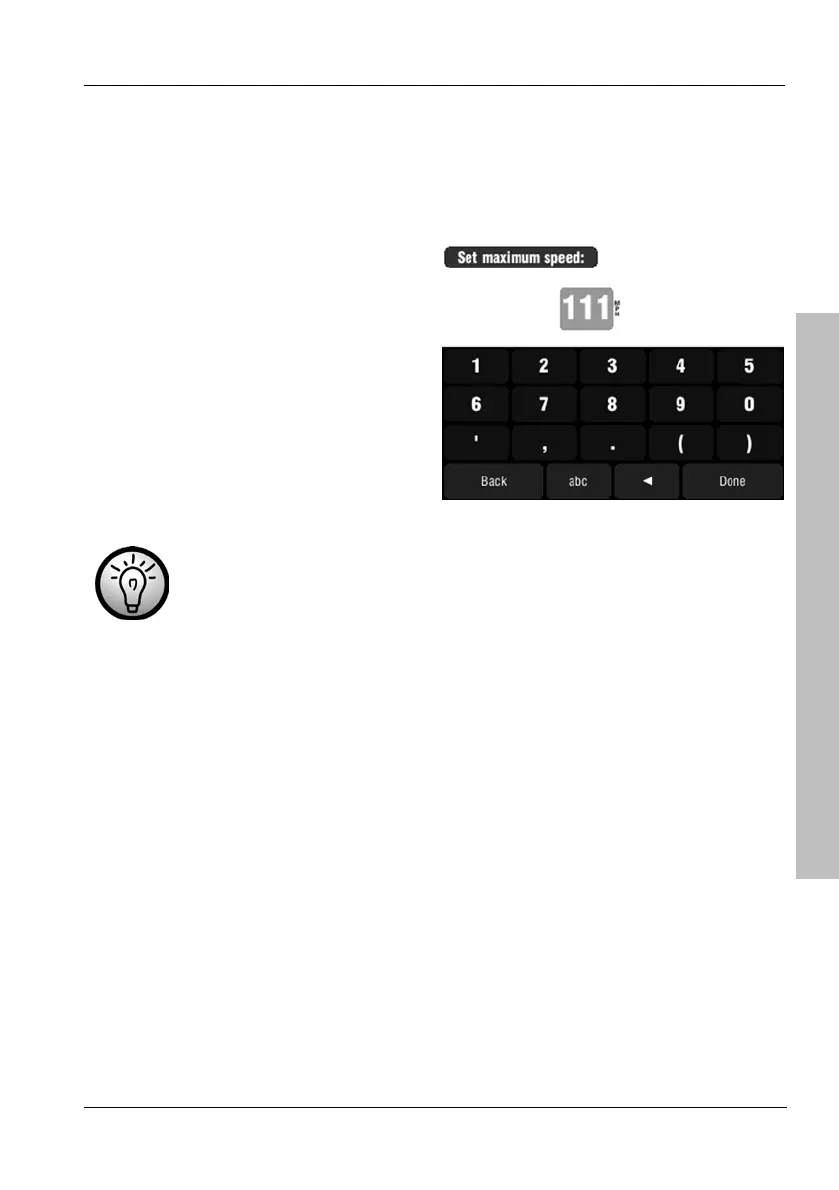
Here you determine the speed threshold from which the high-speed volume
will apply.
To do this, tap Options.
Use the on-screen keypad to enter
a speed value and tap Done to
confirm.
Use the W button to correct any
typos.
For example, if you enter 100 km/h, the sound volume will be
increased to the set high-speed volume value when driving at
100 km/h or faster.



 To Next Page