The Supplied CD
98 English
Appendix
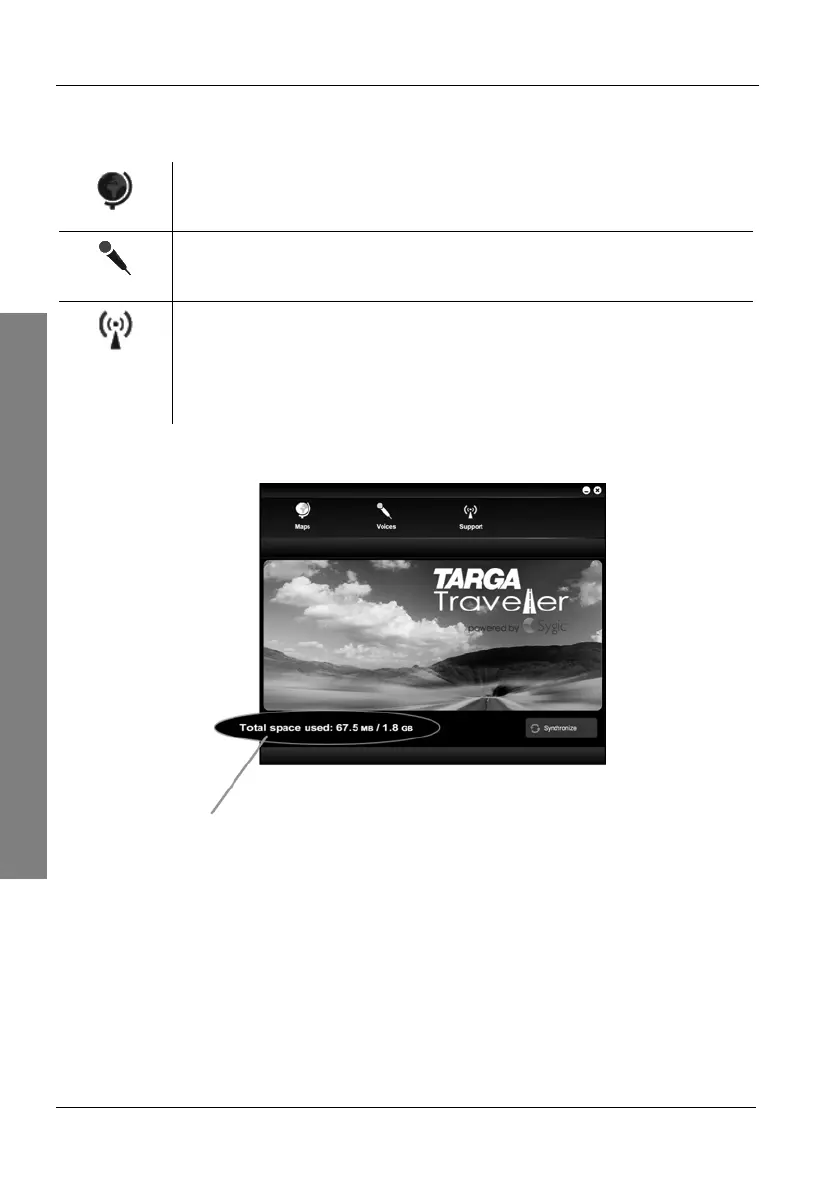
The CD main menu will appear. It is divided into three sections:
Maps (page 99)
Here you can add or remove maps.
Voices (page 100)
Here you can add or remove voices.
Support (page 102)
Here you can restore the factory-default configuration of your
navigation device or open support Websites with further
information.
Select the desired option by clicking on the corresponding icon.
Shows the occupied and the total memory capacity.



 To Next Page