Frequently Visited Destinations
Navigation Device PNA-E3530 47
Navigation
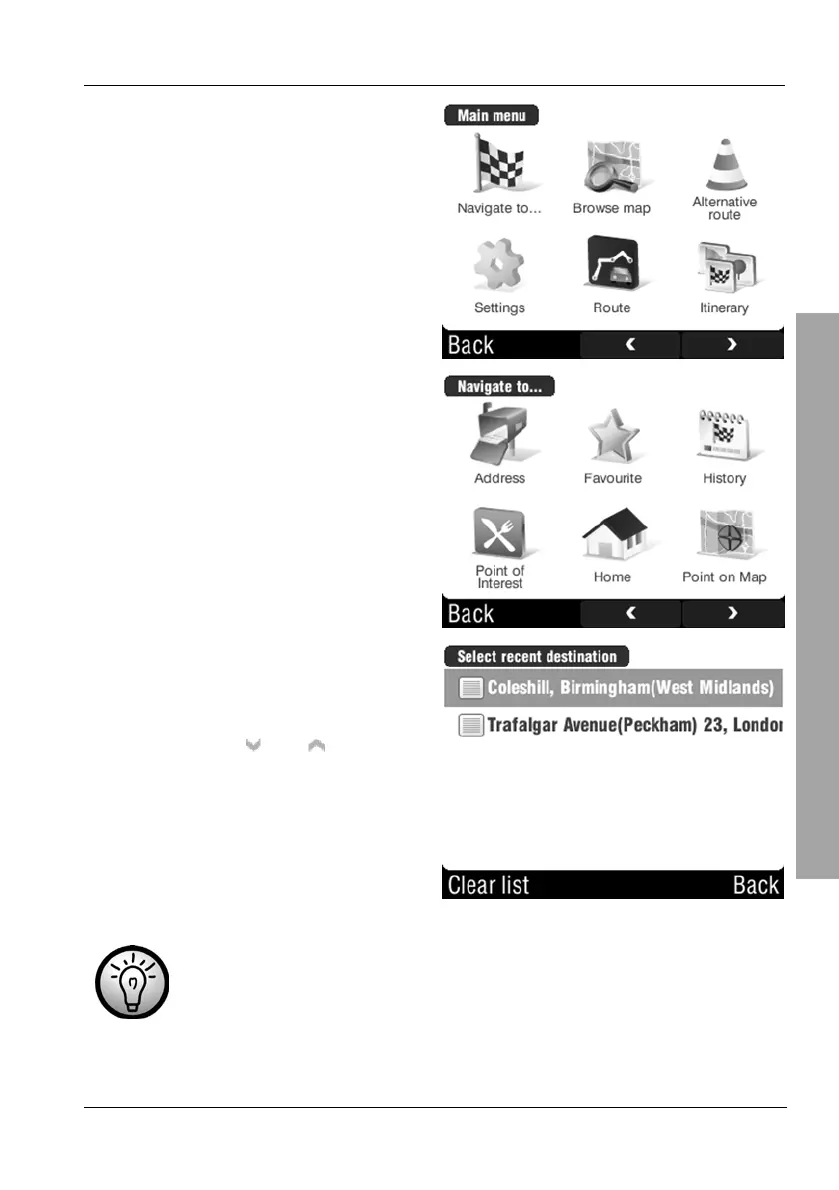
Tap Navigate to...
Tap on Home.
Select the desired entry from your
favourite list by tapping on it.
If there are more than five entries
you can use the
and buttons to
change the displayed page.
Tap the Clear list button to erase the contents of the history list.
To do this, confirm the safety prompt with Yes to continue erasing
or No to cancel.



 To Next Page