Route Settings
Navigation Device PNA-E3530 73
Navigation
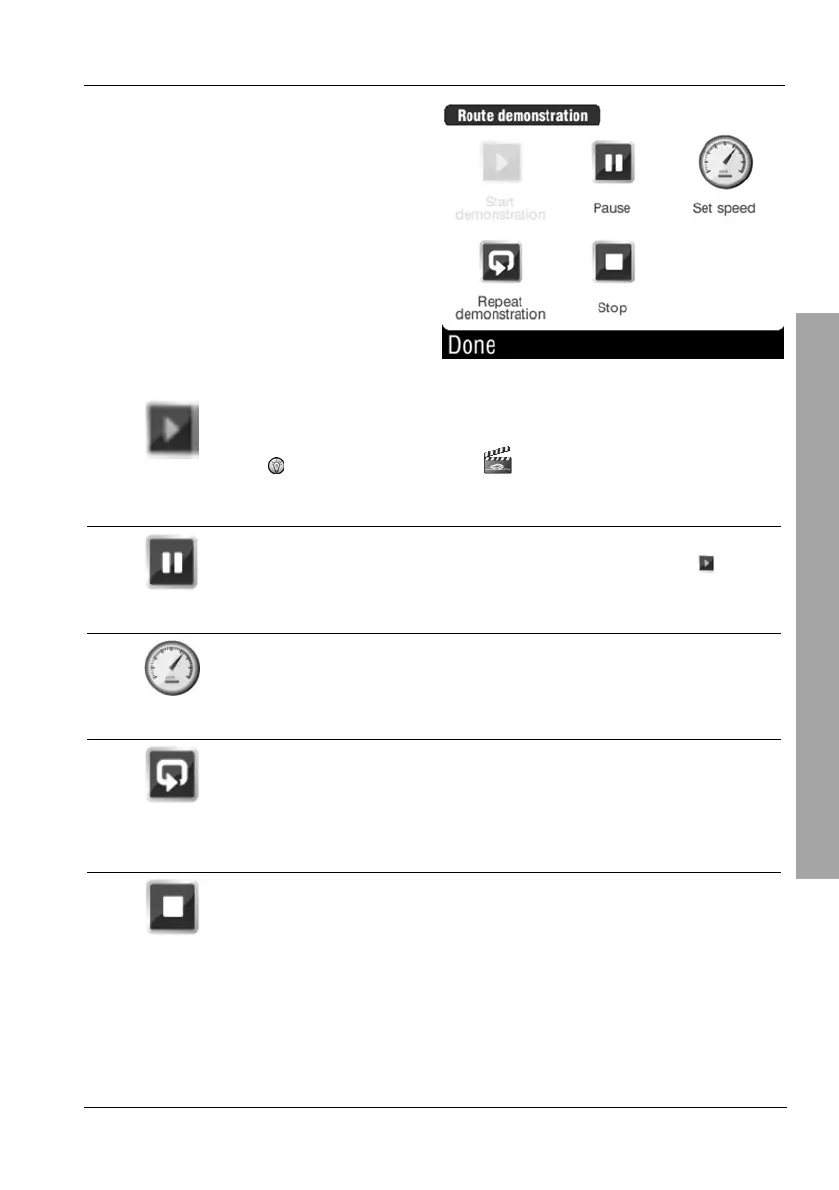
Select an option.
Start
demonstration
Starts the demo.
In addition, the icon will flash. Tap this icon to
access the menu while the demo is running.
Pause
Pauses the current demo. Use the toggle button
to
resume the demo.
Set speed
Use the slider to set the playback speed between 6%
and 1600%.
Repeat
demonstration
Repeats the demo. Use the toggle button Stop
demonstration repeating to disable the repeat function.
Stop
Stops the demo. When launching the demo again, it will
begin at the route starting point.



 To Next Page