General Settings
Navigation Device PNA-E3530 89
Navigation
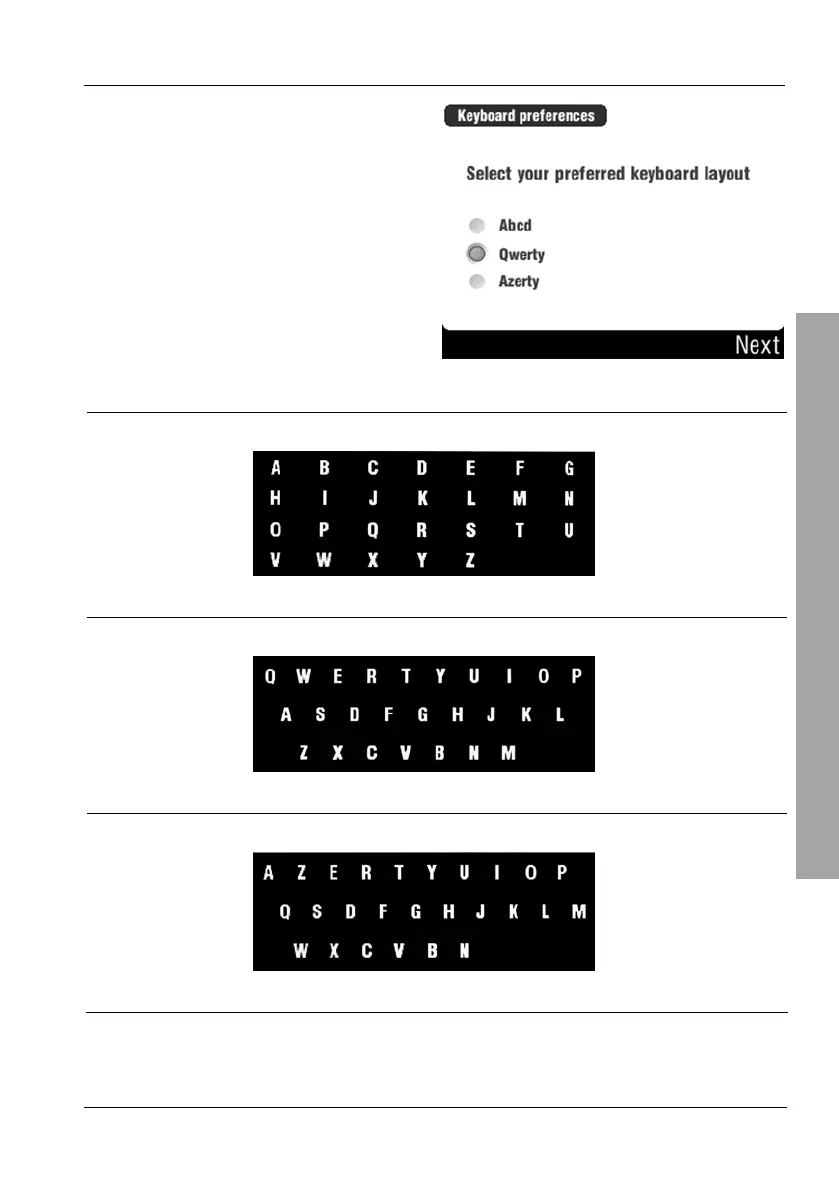
Choose one of the three keyboard
types by selecting the
corresponding radio button.
Then tap Next to finish this process.
Abcd
Keyboard with alphabetic layout.
Qwerty
Keyboard for the English language.
Azerty
Keyboard for the French and Belgian languages.



 To Next Page