20
A
To stop playback
Press the stop button (H) to stop playback.
To start playback again, press the play/pause button
(y/J).
Playback starts from the first track/file.
B
To suspend playback temporarily (pause mode)
Press the play/pause button (y/J) during playback.
Playback stops at the current position.
To resume playback, press the play/pause button
(y/J).
C
To eject the disc
When the open/close button (L) is pressed, playback
stops and the tray will open.
After the disc is ejected, close the tray by pressing the
open/close button (L).
< When CD is selected as the source, you can eject the
disc.
You can play MP3/WMA files by connecting various
external USB storage devices such as USB flash memory.
For details on playable files, see “Playable Files” on page 6.
1
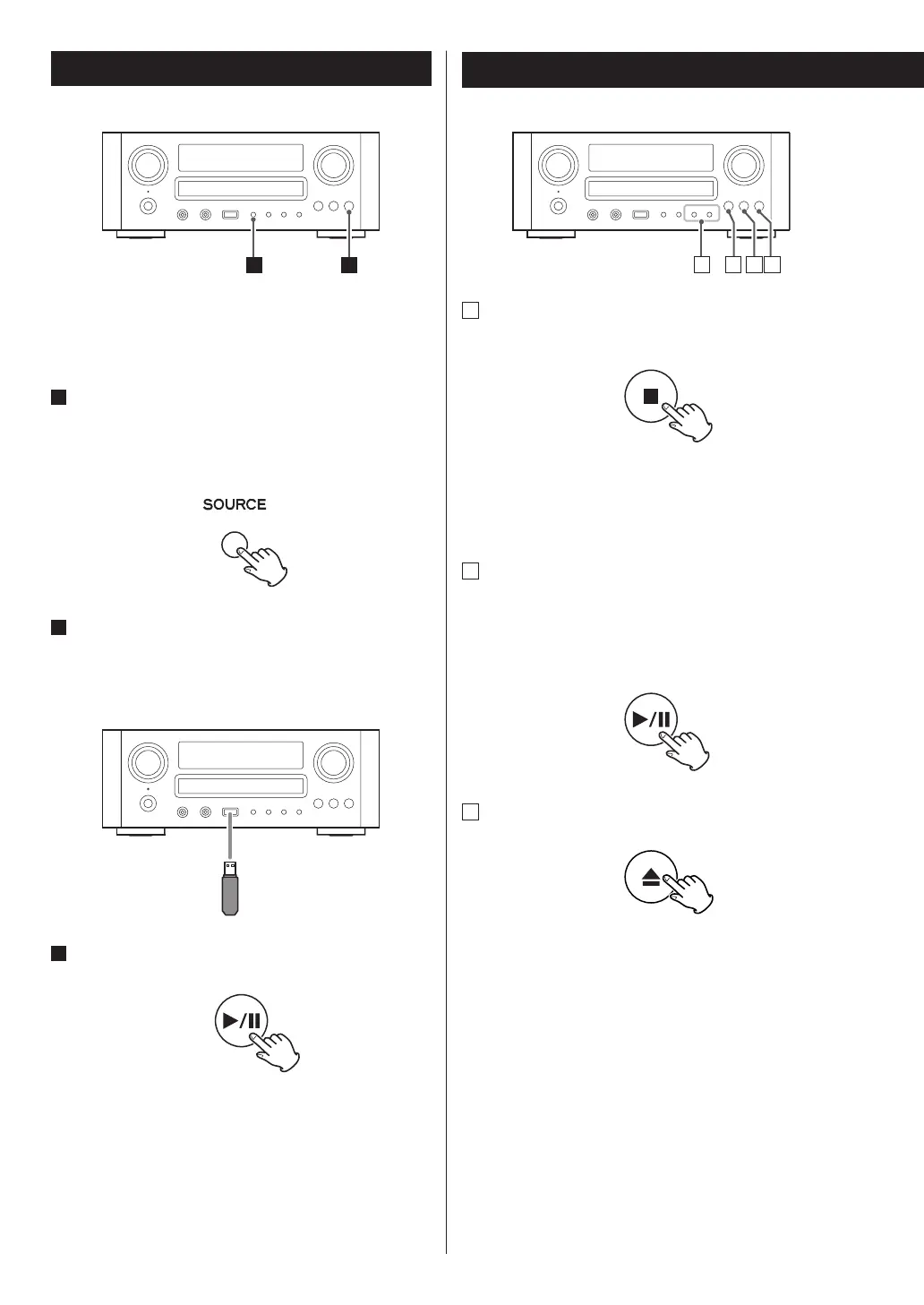
Press the SOURCE button repeatedly to select
“USB/iPod”.
“Not Connected” will be displayed if no USB device is
connected.
2
Connect the external USB storage device to the
unit.
When an HDD device is connected to this unit, it may
take several minutes to display the number of files.
3
Press the play/pause button (y/J).
USB Playback
General Playback (disc/USB)


 To Next Page