28
Setting up your DAB Tuner
The first time you select DAB as the source, the unit will
scan for DAB channels and build a channel list.
1
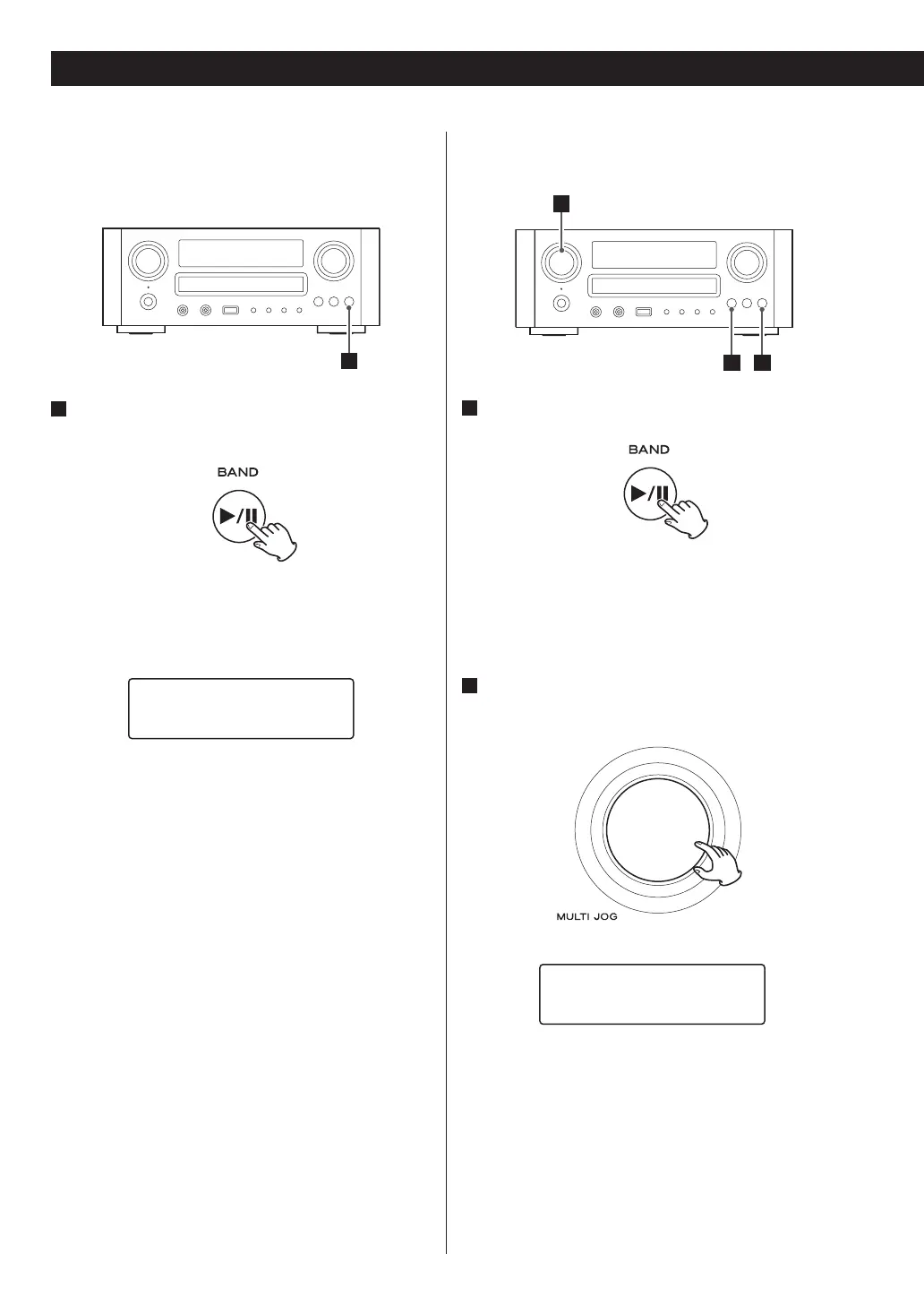
Select DAB by pressing the BAND button
repeatedly.
The unit will scan for ensembles broadcast in the
local area and add them to the channel list as they are
found. The scan should take about 20 seconds.
Scanning...
209.93MHz
After broadcast services have been found, the
channels are listed in alphanumeric order.
< If no broadcast services are found, please check that
the antenna is correctly connected to the unit.
Using the Channel List
1
Select DAB by pressing the BAND button
repeatedly.
The list of available channels is displayed.
< If the channel list is not displayed, turn the MULTI JOG
knob.
2
Scroll through the channels in the channel list.
Turn the MULTI JOG knob.
∏
BBC Radio 1
BBC Radio 1Xtra
DAB Basic Operations
3 1


 To Next Page