ENGLISH
57
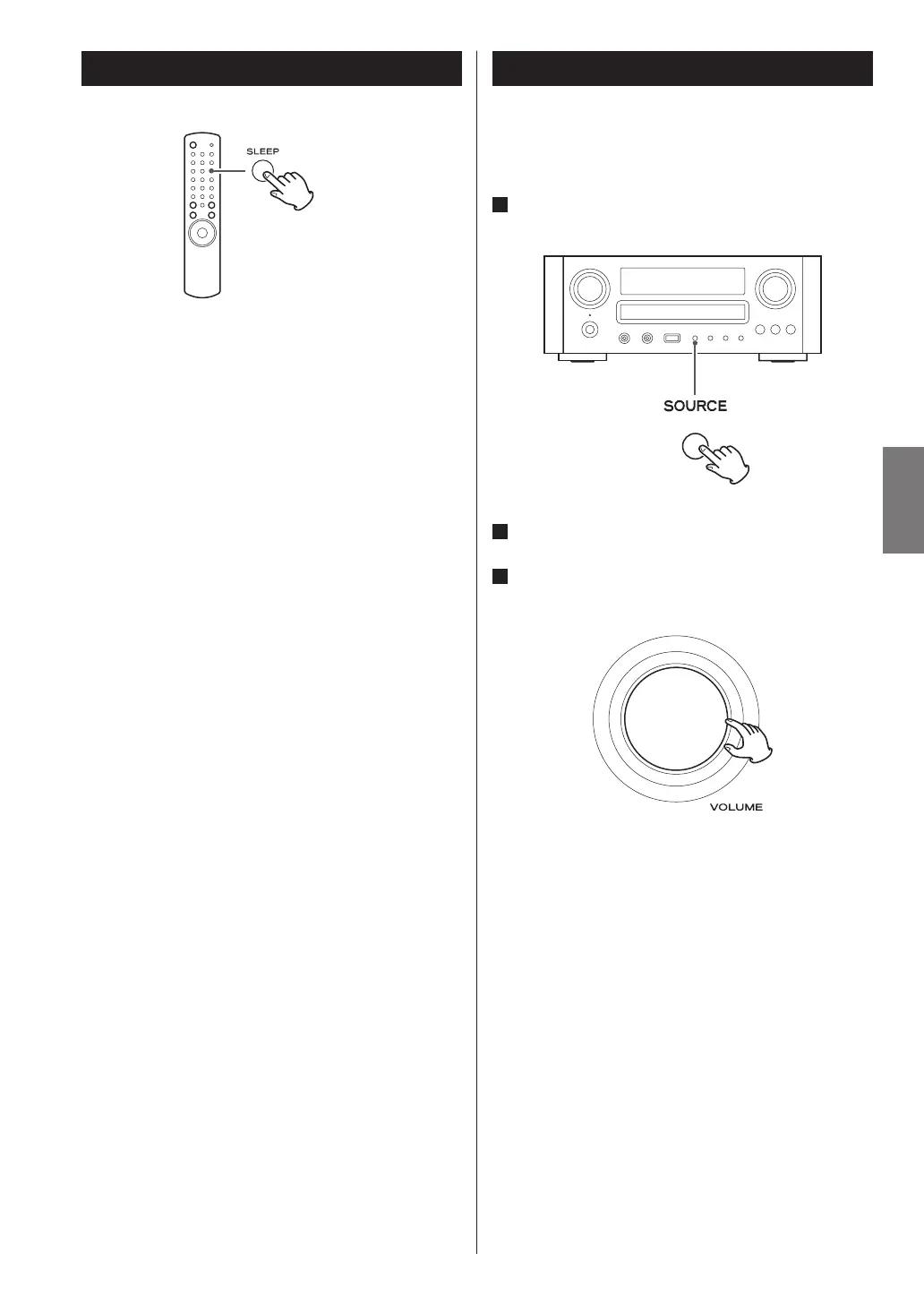
Sleep Timer
The power can be switched off after a specified amount
of time.
Press the SLEEP button repeatedly until desired time
appears on the display.
SLEEP-90 (80, 70 ... 10)
The power will be switched off 90 (80, 70 ... 10)
minutes later.
SLEEP OFF
The sleep timer is off.
< The display is dimmed when you set the sleep timer.
< If you want to check the remaining time, press the
SLEEP button once. The remaining time will be
displayed for 3 seconds, and return to the normal
display.
Listening to an External Source
You can listen to the sound from the external component
connected to the PHONO, AUX 1 IN, or AUX 2 IN jacks.
1
Press the SOURCE button to select “PHONO”,
“AUX 1” or “AUX 2”.
2
Start playback on the external component.
3
Adjust the volume.
Turn the VOLUME knob to adjust the volume.


 To Next Page