58
Updating the firmware using a LAN
Using the latest firmware file that is available on the
internet, you can update this unit’s firmware (built-in
program that controls the unit).
We recommend that you use the unit with the latest
firmware because updating the firmware to the latest
version can add more functions to or improve the stability
of the unit.
Downloading the latest firmware
You can download the latest version of the firmware
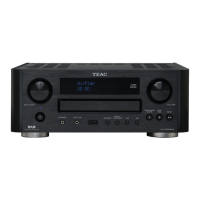
from the CR-H700DAB product information page of TEAC
website.
http://www.teac.eu/
o If there is no firmware update, no firmware files will be
available on the website.
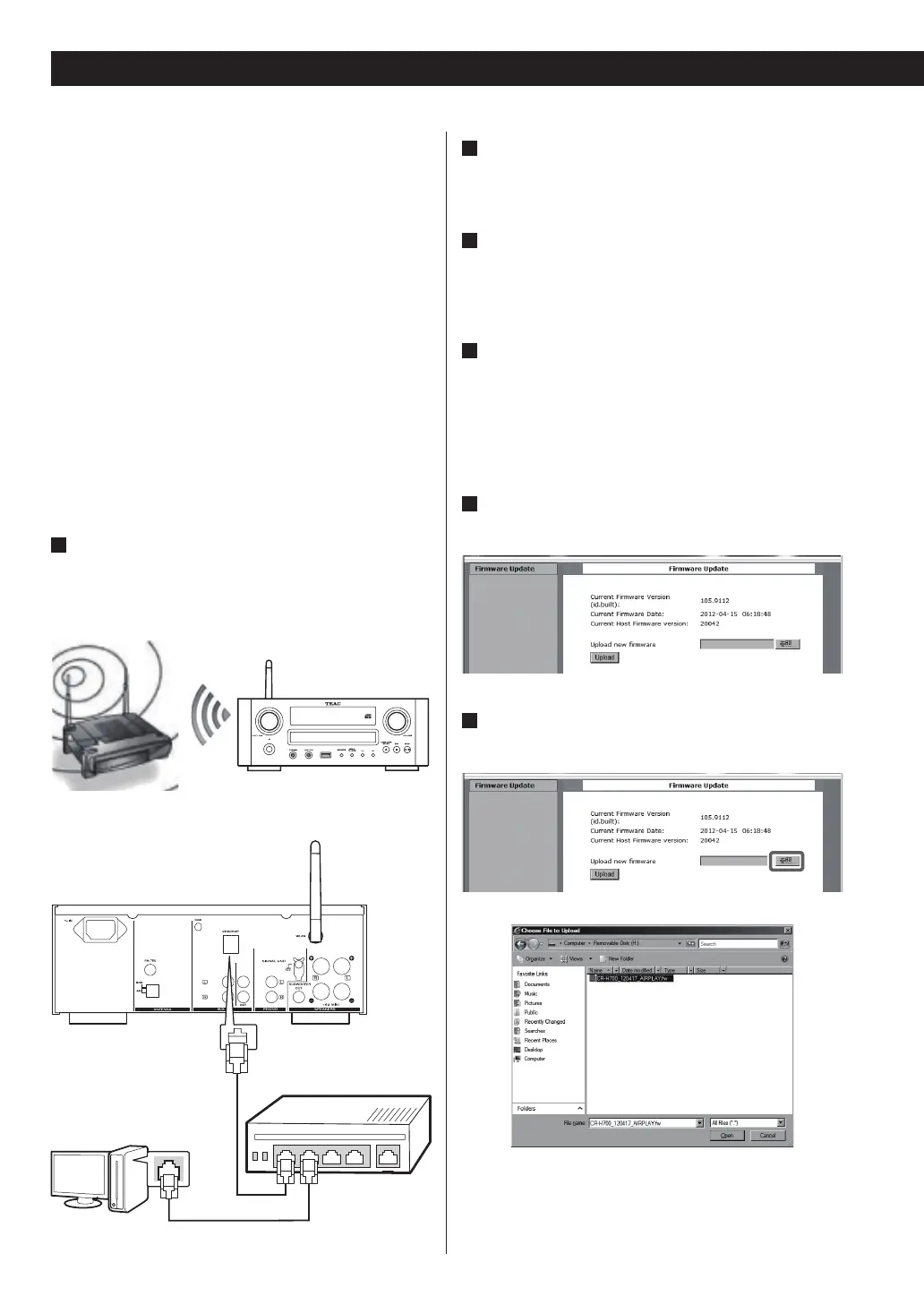
1
Connect the unit to your LAN through a wireless
or wired connection.
For detailed information, see the sections
“Connections” and “Network Configuration”.
or
2
Press the SOURCE button repeatedly to select
TUNER mode.
3
Select “Internet Radio” or “Media Player” by
repeatedly pressing the BAND button on the
unit or the TUNER button on the remote control.
4
Press the MENU button on the unit. Select
“Software Update”, and then select “Webpage”.
o The unit will restart automatically.
o The unit’s IP address will appear on the unit’s
display after the unit restarts.
5
Start your web browser, and then enter the
unit’s IP address.
6
Click Browse..., and then select the desired
firmware file (.fw).
hub or rooter
Updating the firmware (1)


 To Next Page