26
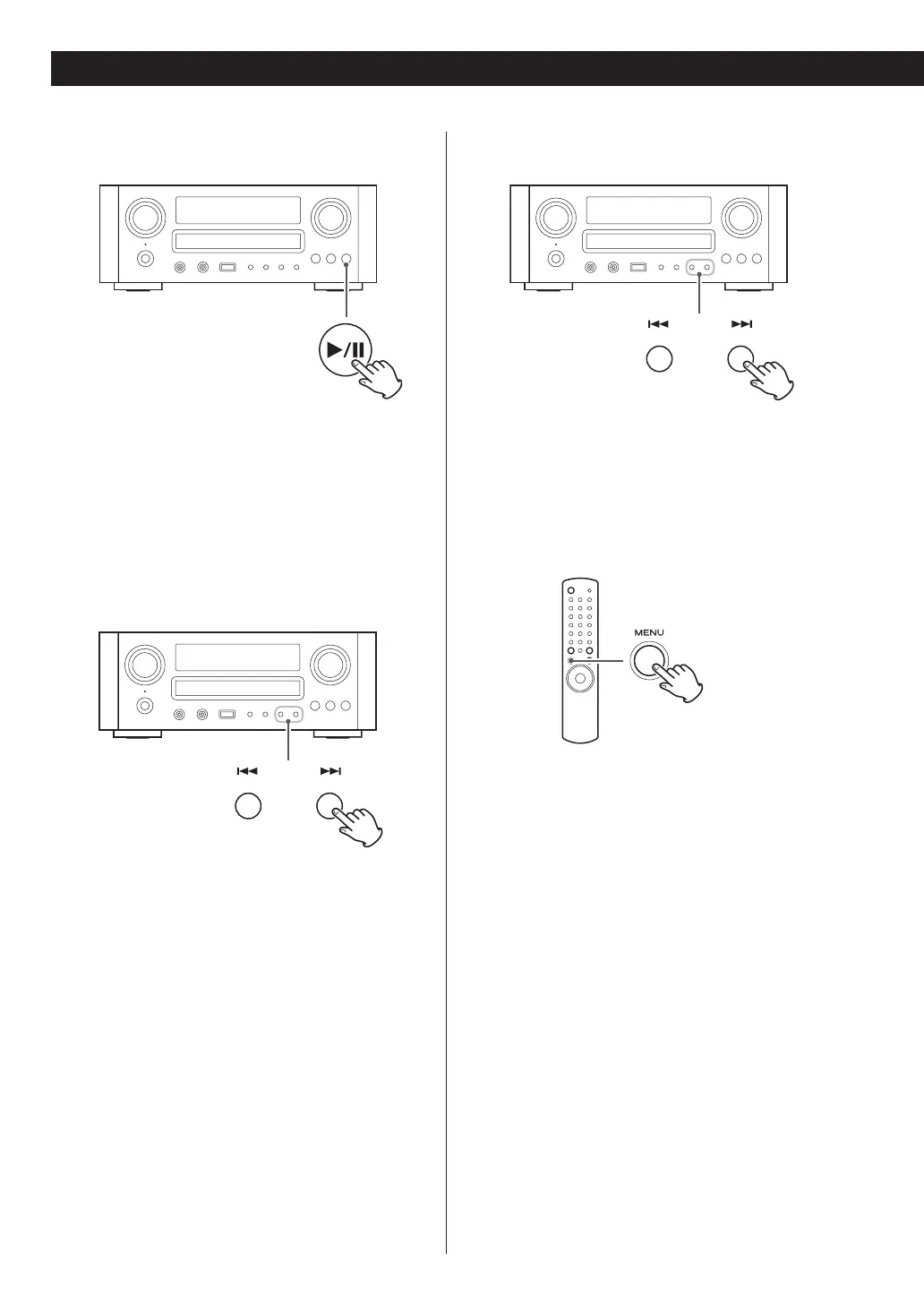
To pause playback
During playback, press the play/pause button
(G/J ) to pause playback. Playback stops at the
current position.
To resume playback, press the play/pause button
(G/J) again.
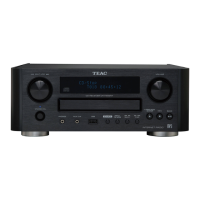
To skip to the next or a previous song
During playback or in pause mode, press the skip
buttons (.//) repeatedly until the desired song
is found.
< When the . button is pressed during playback, the
song being played will be played from the beginning.
If you want to play the previous songs, press the .
button twice or more.
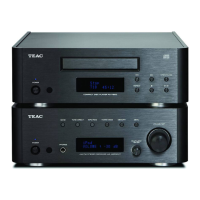
Search for a part of a song
During playback, hold down the skip buttons
(.//) and release it when the part you want to
listen to is found.
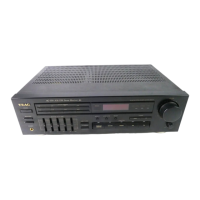
To go back to the previous menu
Press the MENU button to go back to the previous
menu.
This button is equivalent to the MENU button on your
iPod.
Listening to iPod (2)


 To Next Page