ENGLISHENGLISH
37
Presetting Automatically (FM/AM
only)
1
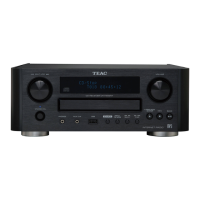
Select FM or AM by pressing the TUNER button
repeatedly.
2
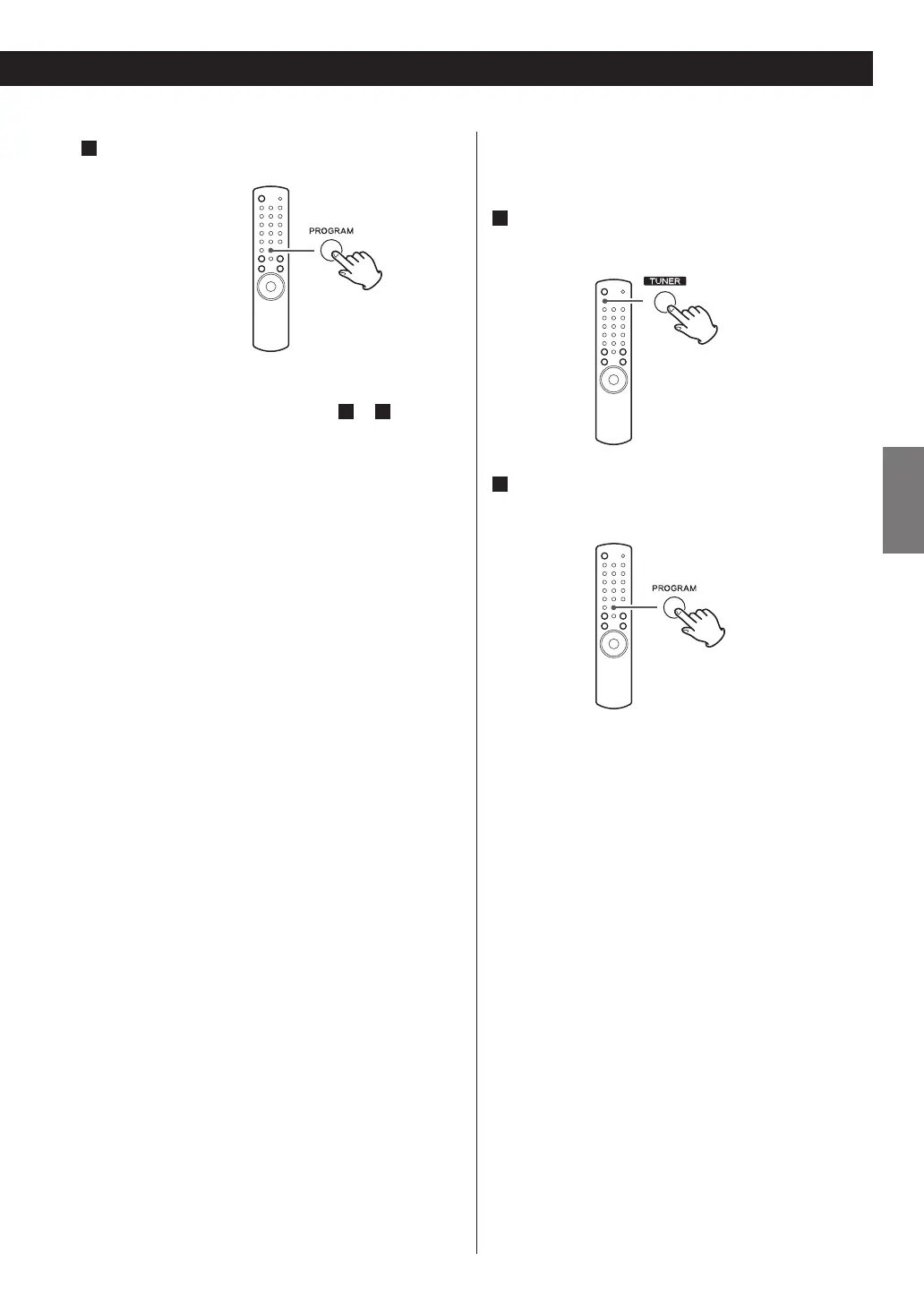
Hold down the PROGRAM button for more than
3 seconds.
Up to 30 of the best received stations in your area will
be stored automatically.
5
Within 4 seconds, press the PROGRAM button.
The station is stored.
< To store more stations, repeat steps
2
to
5
.
< If you do not press the PROGRAM button within 4
seconds after selecting the preset number, presetting
will be cancelled.


 To Next Page