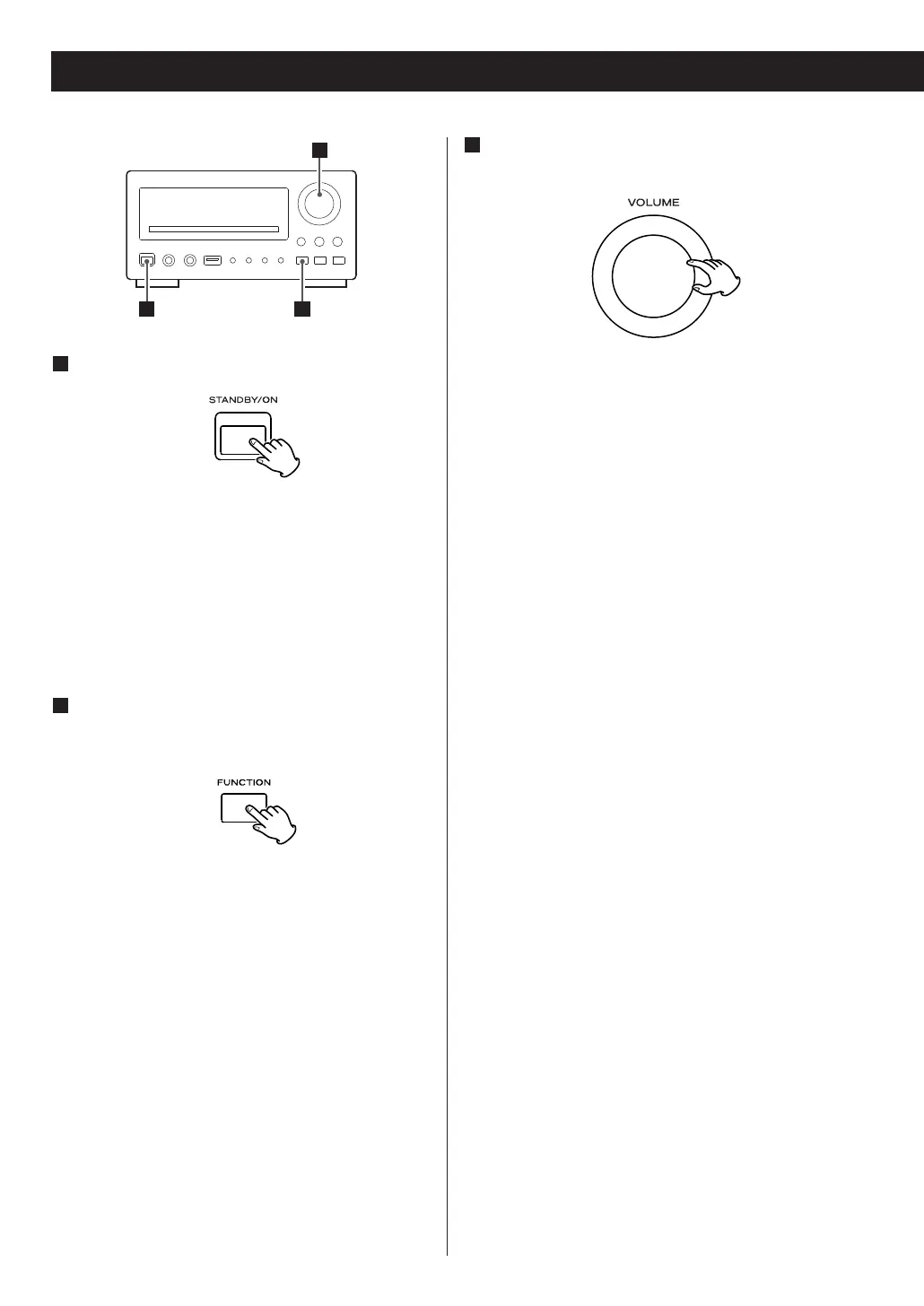
1
Press the STANDBY/ON button to turn the unit
on.
< The unit turns on with the source that was last
selected.
< You can also use the FUNCTION button (or the
DAB/FM, DISC, USB or AUX button of the remote
control unit) to turn the unit on.
2
Press the FUNCTION button (or the DAB/FM,
DISC, USB or AUX button of the remote
control unit) to select a source.
The selected source is shown on the front panel’s
display.
Each time the FUNCTION button is pressed, the
source changes as follows:
FM q
DAB q DISC q USB q AUX1 q AUX2
< Press the DAB/FM button of the remote control unit
once or twice to select FM or DAB.
< To listen to an external source connected to the
AUX IN jack, select AUX1 or AUX2. Press the AUX
button of the remote control unit once or twice to
select AUX 1 or AUX 2.
3
Play the source, and adjust the volume using
the VOLUME knob.
The volume is adjustable from MIN (00) to MAX
(63). You can hold down the VOLUME – or +
buttons of the remote control unit to reduce or
bring up the volume continuously.
<
Press the STANDBY/ON button to put the unit in
the standby mode when it is not being used.
Recording a Source
You can record a source such as a Compact Disc
onto a MD or a cassette tape connected to the
DIGITAL OUT terminal or the LINE OUT jacks.
1. Select a source to be recorded by pressing the
FUNCTION button.
2. Start recording.
<
The volume, and tone control (S-BASS, LOUDNESS
and P-EQ) have no effect on the recording signals.
< In FM, DAB or AUX (1 or 2) mode, no sound is
output from the DIGITAL OUT terminals. In this
case, use the LINE OUT jacks.
20



 To Next Page