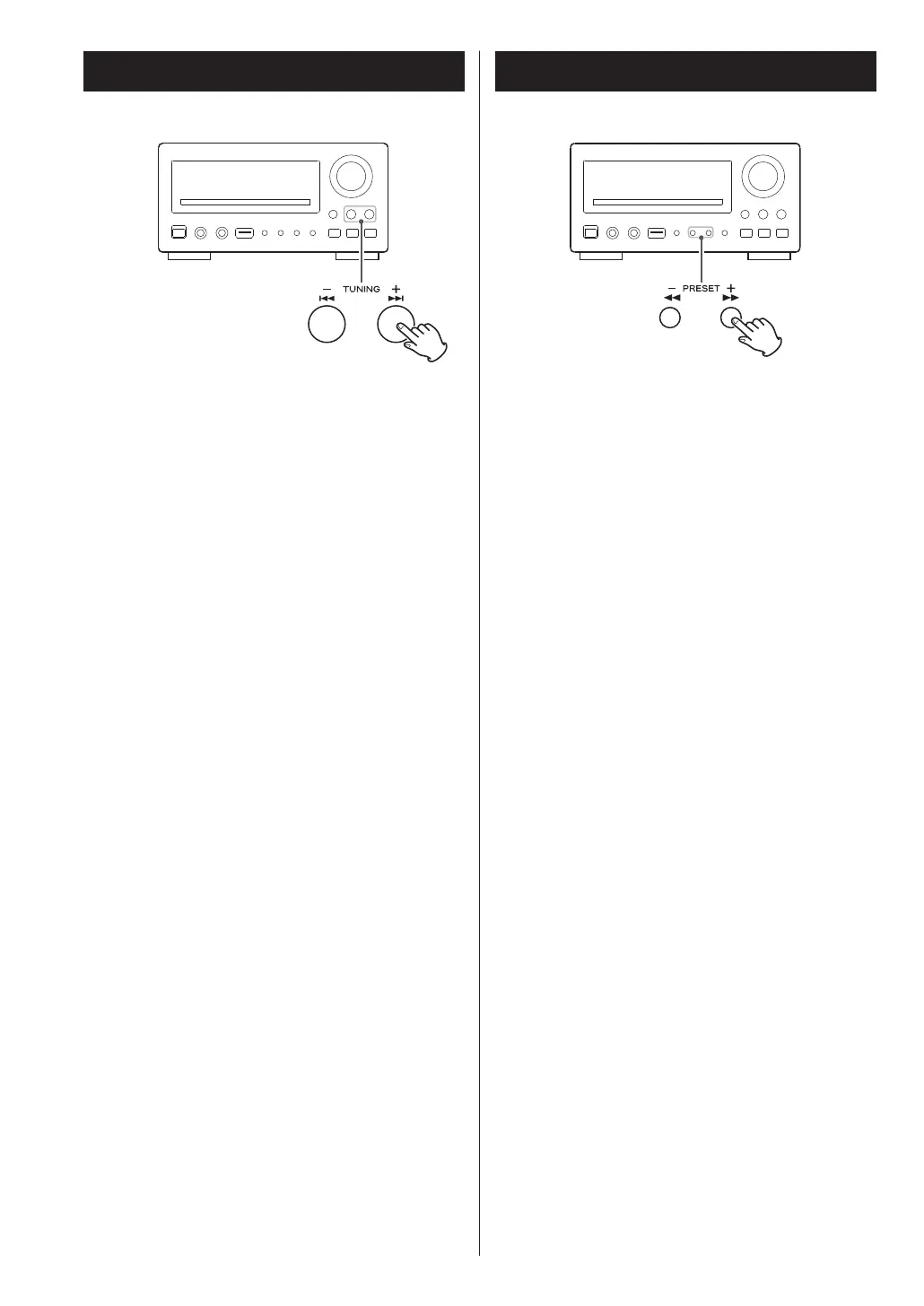
Press the SKIP button (. or /) repeatedly
until the desired chapter or track is found. The
selected chapter or track will be played from the
beginning.
<
When playing back video CDs with PBC, the .
button is disabled.
Search for a part of a chapter/track
To search quickly the disc in the forward or reverse
direction, press the SCAN buttons (m
or ,)
during playback.
Press the PLAY/PAUSE button (y
/J) when the part
you want to listen to is found.
Each time the SCAN button (m or , ) is
pressed, the search speed changes as follows:
x2 q
x4 q x8 q x16 q x32 q normal speed
<
VCD/CD/MP3: When you scan to the end (or
beginning) of a track, the scan function will be
cancelled and normal speed playback will continue.
<
The sound is muted during scanning.
<
This function may not work with some discs.
27



 To Next Page