1
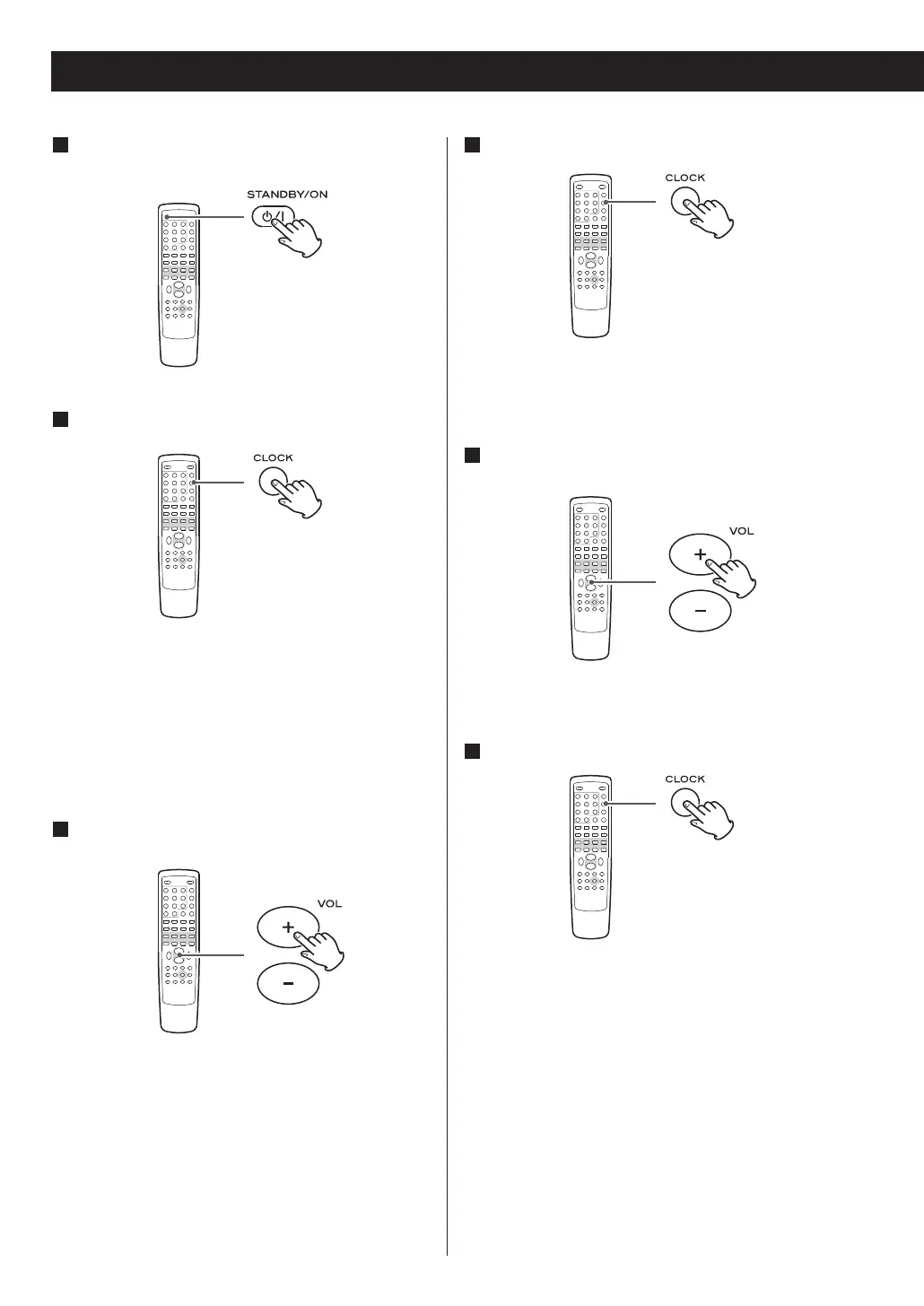
If the unit is on, press the STANDBY/ON switch
to turn it standby.
Press the CLOCK button.
2
(If ‘- -:- -’ blinks on the display, press the CLOCK
button again.)
The ‘hour’ value starts blinking.
<
If no button is pressed for 10 seconds, the time
setting mode will be cancelled.
3
Press the VOLUME button to set the current
hour.
Press the CLOCK button.
4
The ‘minute’ value starts blinking
5
Press the VOLUME button to set the current
minute.
Press the CLOCK button.
6
‘RDS/DAB Sync OFF’ or ‘RDS/DAB Sync ON’ appears
on the display
52



 To Next Page