1
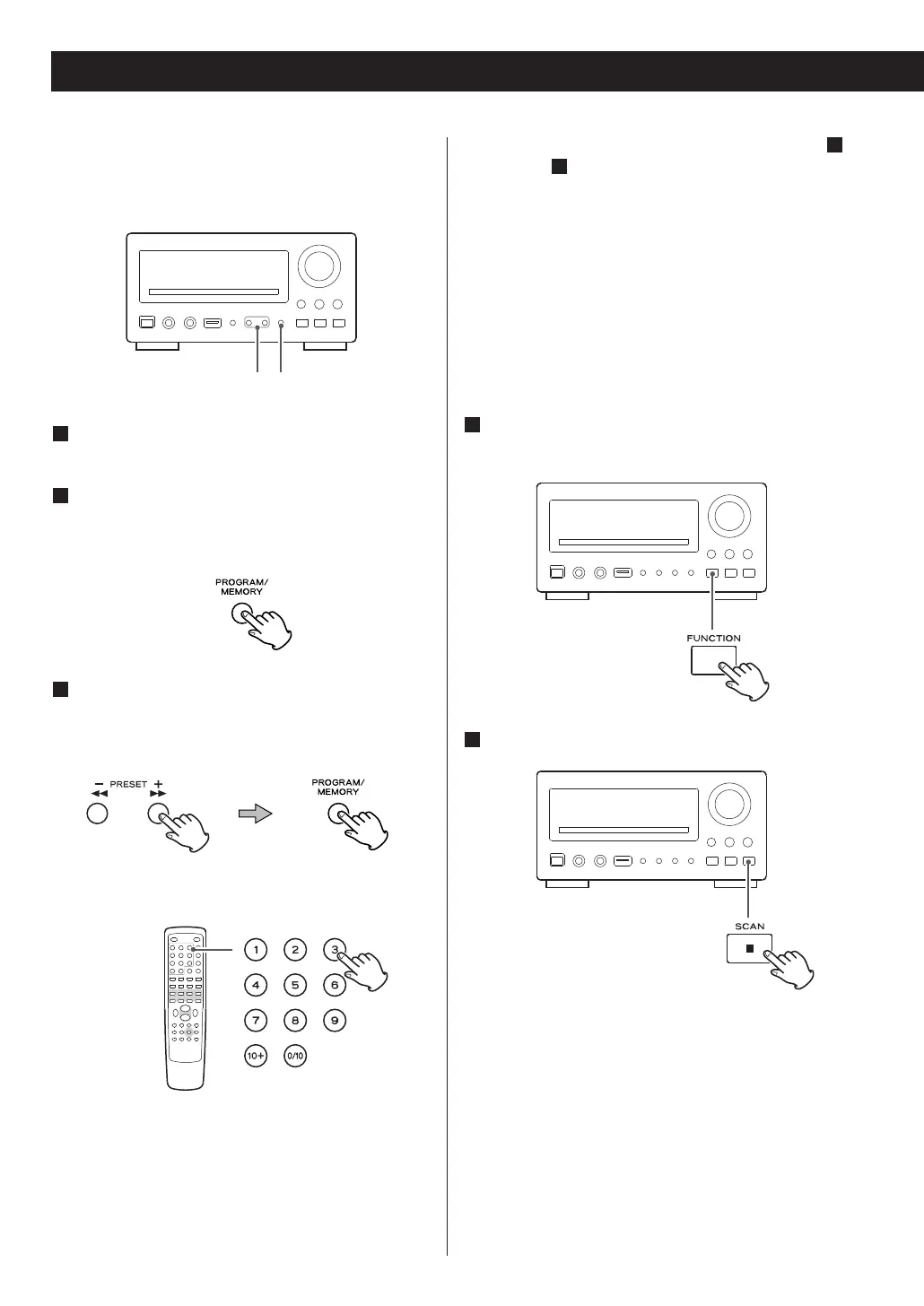
Tune in a station you want to listen to.
2
Press the MEMORY button.
‘Preset’ and the preset channel number appears on
the display.
3
While the preset channel number is blinking,
select a preset channel to store the station
using the PRESET buttons, and then press the
MEMORY button.
< You can also use the numeric buttons of the
remote control unit.
Example
To select No.3, press ‘3’.
To select No.10, press ‘0/10’.
To select No.12, press ‘10+’ and ‘2’.
To select No.20, press ‘10+’ and ‘0/10’.
.
< If you store a new station to a channel, the station
previously stored in the channel will be overwritten.
Automatic Memory Presetting
(FM only)
1
Select FM using the FUNCTION button (or the
DAB/FM button of the remote control unit).
2
Press the SCAN button.
Up to 20 of the best received FM stations in your
area will be stored automatically.
48



 To Next Page