Repeat Playback of a Designated
Section
(A-B Repeat)
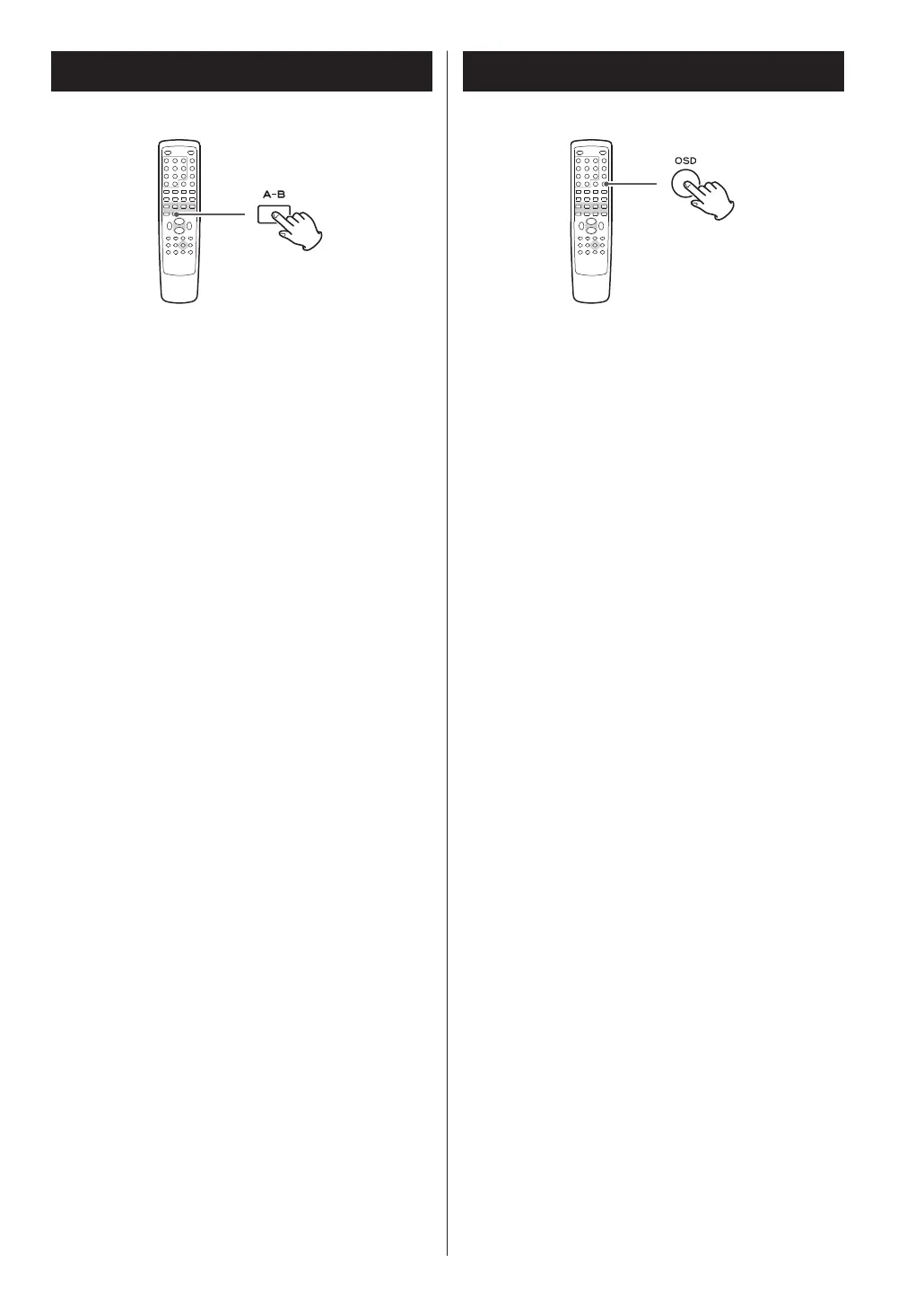
1. Start playback and designate the point at
which the A-B repeat should start (point A) by
pressing the A-B button.
2. When the point at which repeat playback
should end (point B) is reached, press the A-B
button again.
The designated section will be played repeatedly.
< When playing a CD/VCD, the point A and B should
be selected from the same track.
< The SEARCH button (,) can be used to fast-
forward to point B after designating point A.
< There should be more than one second between A
and B.
< To cancel the A-B Repeat, press the A-B button
again.
Each time the OSD button is pressed during playback,
following information appears on the screen.
DVD
elapsed time of the current title
z
remaining time of the current title
z
elapsed time of the current chapter
z
remaining time of the current chapter
z
display off
CD/Video CD
TT (Track Time)
elapsed time of the current track
z
TR (Track Remain)
remaining time of the current track
z
DT (Disc Time)
elapsed time of the disc
z
DR (Disc Remain)
remaining time of the disc
z
display off (VCD only)
DivX
elapsed time of the current file
z
remaining time of the current file
32



 To Next Page