Up to 20 chapters/tracks can be programmed in the
desired order.
1
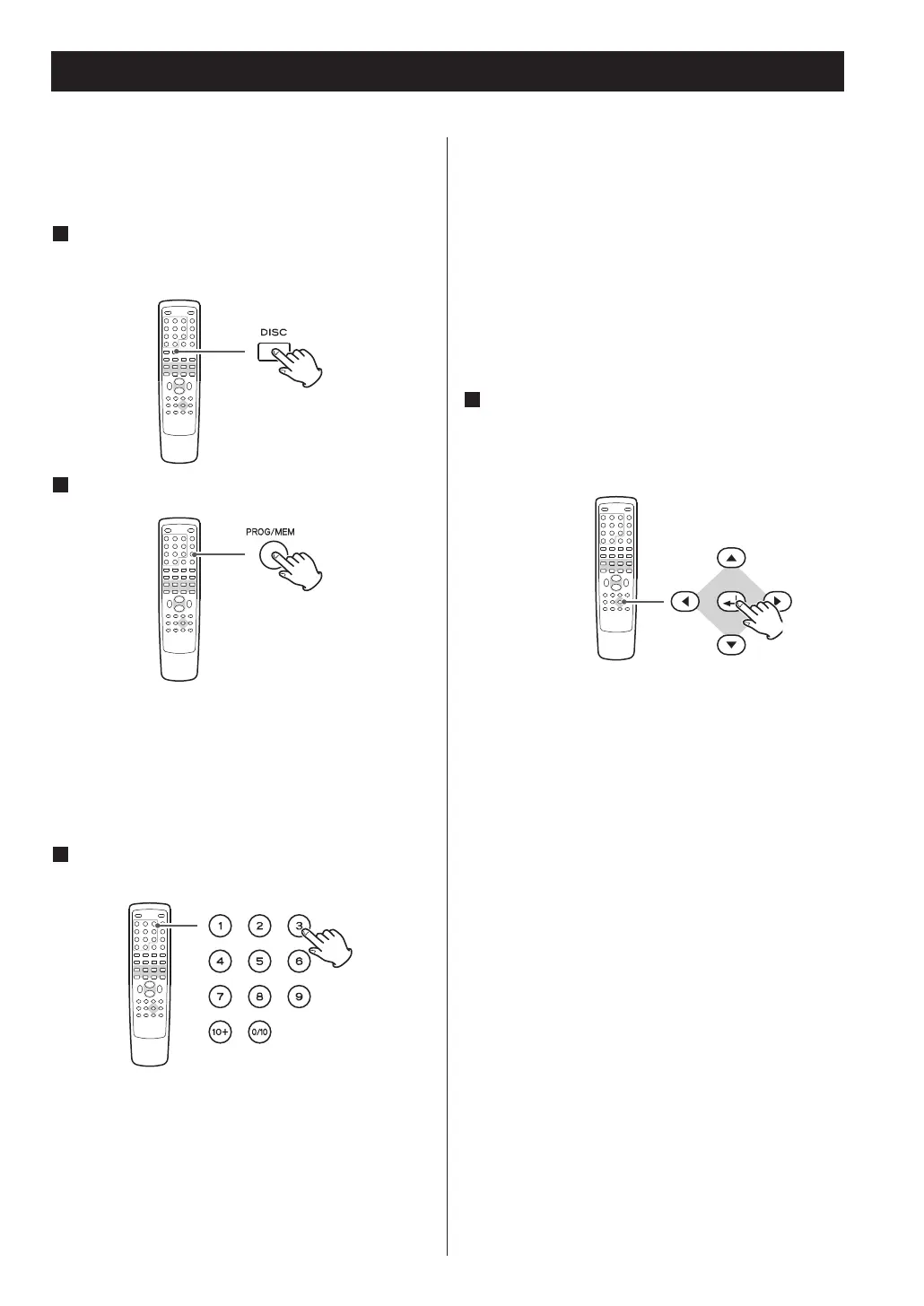
If another source is selected, press the DISC
button or the FUNCTION button to select
‘DISC’.
Press the PROGRAM button.
2
The program list appears on the screen.
<
To cancel the program mode, press the PROGRAM
button again, or select ‘EXIT’ using the cursor
buttons and press the ENTER button.
3
Enter your desired ‘title and chapter number’
or ‘track number’ using the numeric buttons.
Example:
To select No.3, press ‘3’.
To select No.10, press ‘0/10’.
To select No.12, press ‘10+’ and ‘2’.
To select No.20, press ‘10+’ and ‘0/10’.
To select No.23, press ‘10+’, ‘10+’ and ‘3’.
Repeat this step to program more chapters/tracks.
< If you made a mistake, move the cursor on the
track number and overwrite it using the numeric
buttons.
<
To program more than 11 chapters/tracks, press
the /
button to advance to the next program
page (or select ‘t
l
’ using the cursor buttons and
press the ENTER button). Press the .
button to
return to the previous page.
4
When the selection of chapter/track numbers
is completed, select ‘START’ using the cursor
buttons and press the ENTER button to start
programmed playback.
< During programmed playback, the numeric buttons
don’t work.
< When playback ends, the program is cleared.
<
If you press one of the following buttons, the
programmed contents will also be cleared.
OPEN/CLOSE, STANDBY/ON, STOP
FUNCTION (AUX, USB, DAB/FM)
36



 To Next Page