How to select preset stations
1
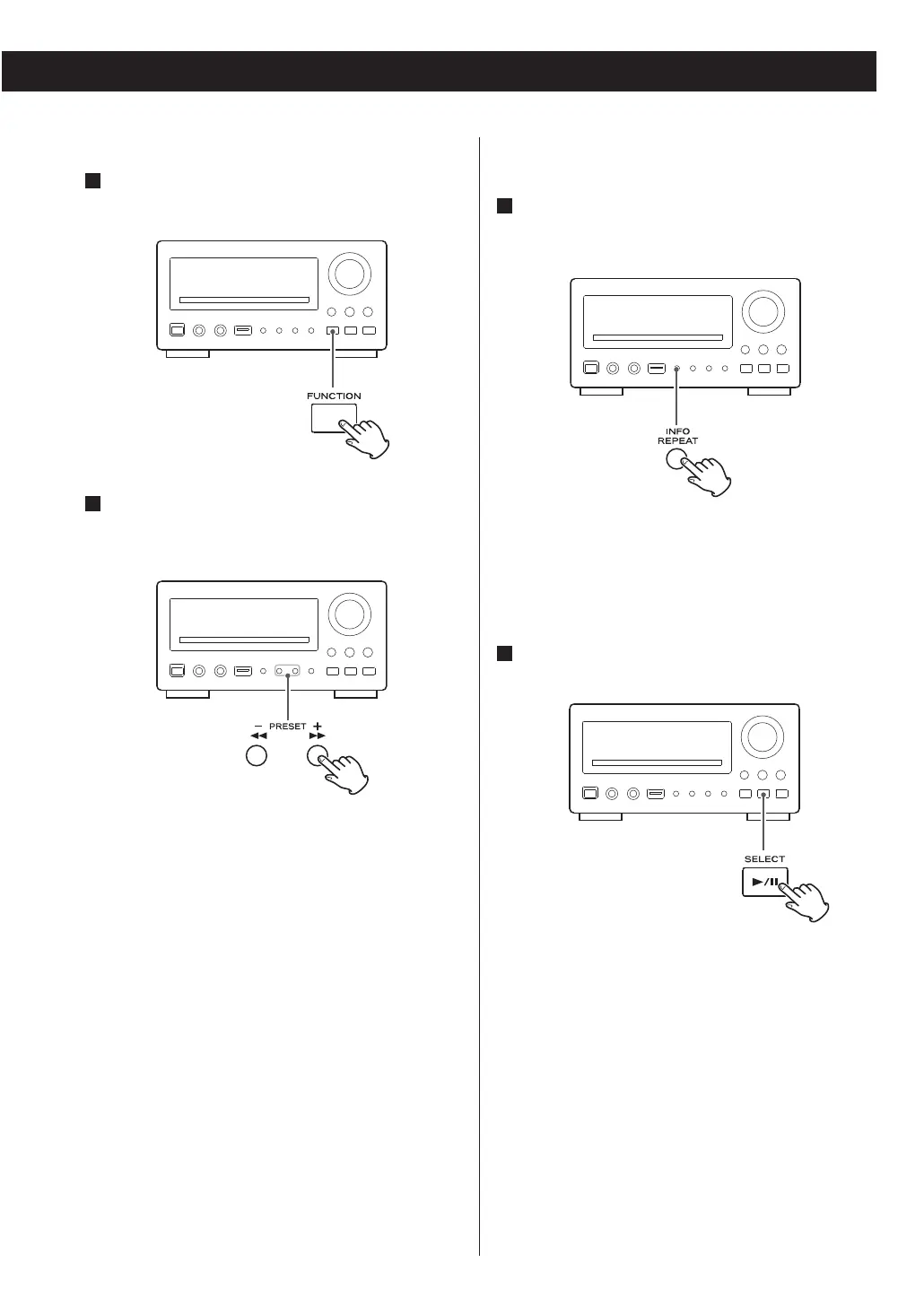
Select DAB or FM using the FUNCTION button
(or the DAB/FM button of the remote control
unit).
2
Select a preset channel using the PRESET
buttons (or the numeric buttons of the remote
control unit).
How to erase preset stations (System
Reset)
1
In DAB or FM mode, press and hold the
INFO/REPEAT button for longer than 2
seconds.
‘System Reset’ is displayed.
<
To cancel the system reset, press the INFO/REPEAT
button twice.
2
Press the SELECT button to erase all the preset
stations.
49



 To Next Page