An on-screen menu is shown when a DVD or video CD
with playback control (PBC) content is loaded.
The way in which the menu works may differ from
disc to disc.
DVD menus
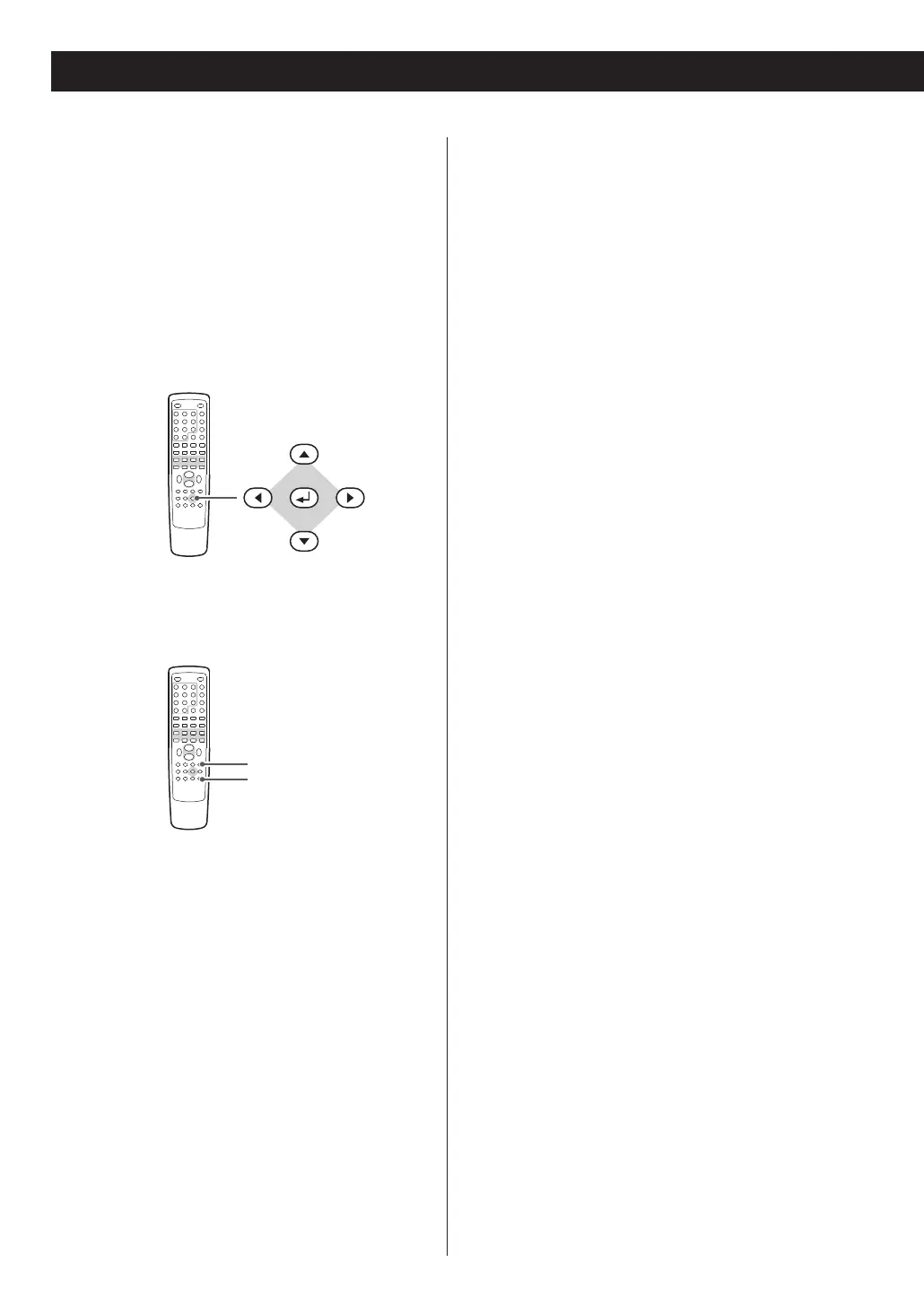
Use the cursor buttons to select the menu item
from a DVD, and confirm the selection using the
ENTER button.
Returning to the menu screen
Press either the MENU button or the TITLE button.
<
Depending on the disc, pressing MENU during
playback may restart playback from the first
chapter.
<
This function is not available with a DVD-RW disc
with VR content.
Video CDs with PBC
When a Video CD (Version 2.0) or Super Video CD
with Playback Control functions (PBC) is loaded,
press the MENU button to turn the PBC function on
or off.
When the PBC function is turned off:
Playback will start from the first track.
When the PBC function is turned on:
A menu will appear on the screen.
Select an item using the numeric buttons to start
playback.
<
Press the / button to advance to the next page
of the menu. Press the .
button to return to the
previous page.
<
If you press the TITLE button during PBC playback,
the menu will appear on the screen.
24



 To Next Page