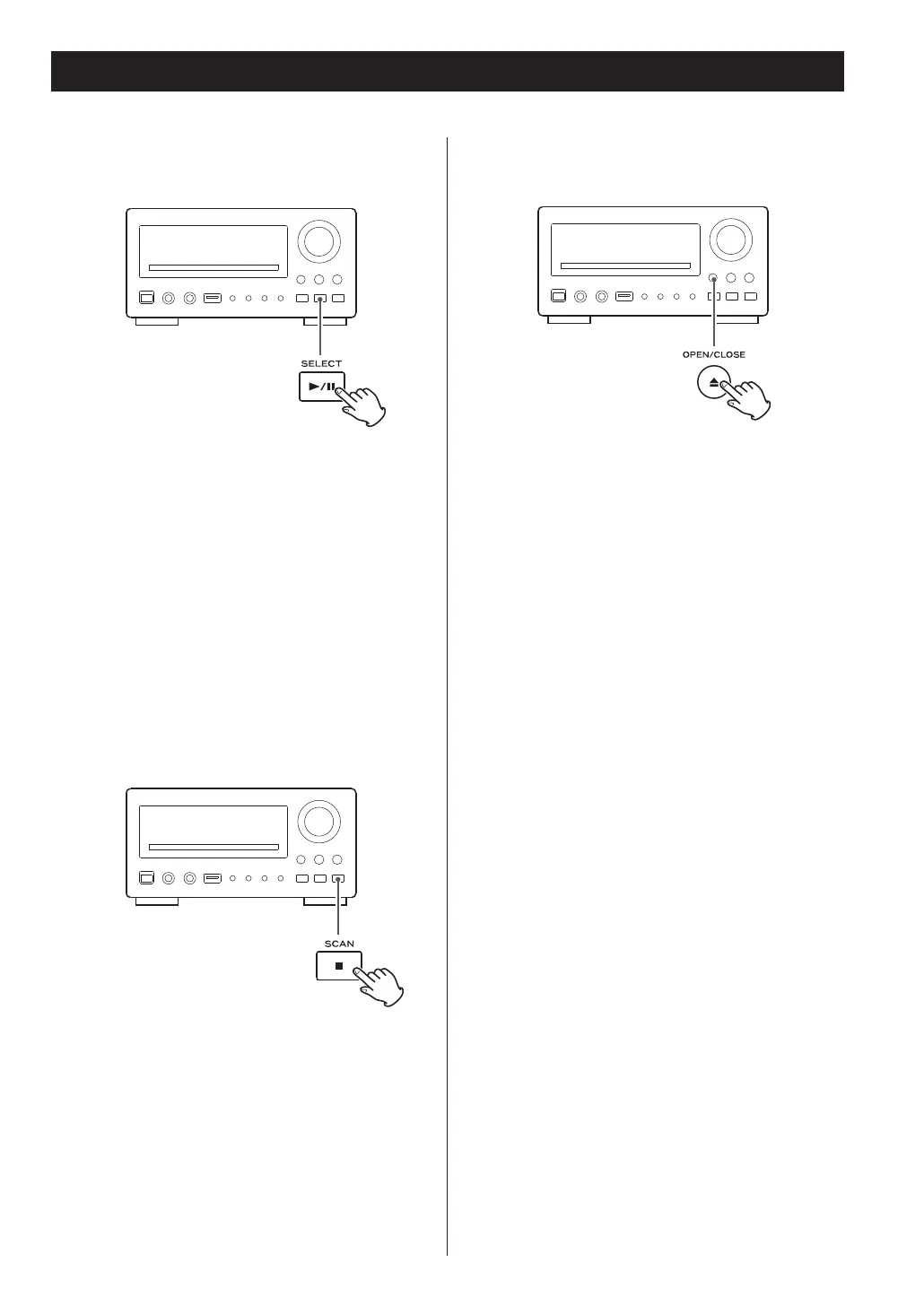
Pausing playback
(freezing the picture)
Press the PLAY/PAUSE button to pause audio
playback. Any DVD or video CD image is frozen.
Press the PLAY/PAUSE button again to restart
playback.
<
Caution - do not leave player in the ‘pause’ mode
for extended periods of time. Damage to your
television or the player may occur.
Stopping playback (Resume mode)
When the STOP button is pressed, playback is
stopped, and the display shows ‘Press Play Key To
Continue’. Pressing PLAY continues playback.
Pressing any of the following buttons cancels
resume mode:
STOP in the stop mode, OPEN/CLOSE,
FUNCTION, STANDBY/ON
Opening and closing the tray
Pressing OPEN/CLOSE opens the tray if it is closed,
and closes it if it is open. When the tray is opened
during playback, it may take a few seconds before
the disc is ‘unloaded’ and the tray opens.
26



 To Next Page