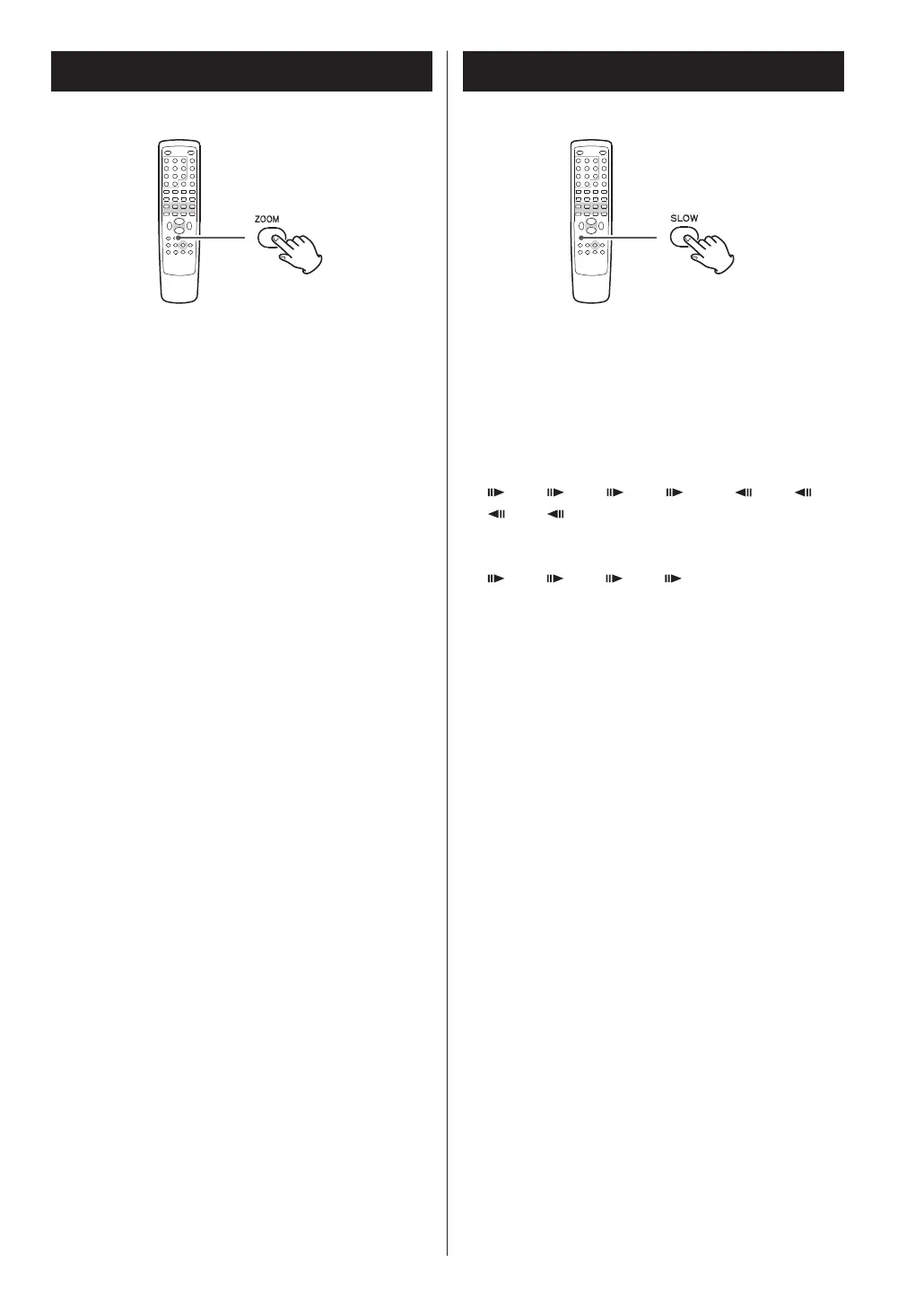
To zoom the picture, press the ZOOM button during
playback.
Each time the ZOOM button is pressed, the
magnification level changes as follows:
DVD, DivX, VCD:
2x, 3x, 4x, 1/2, 1/3, 1/4, OFF
JPEG:
100%, 125%, 150%, 200%, 75%, 50%, OFF
<
You can shift the zoom point by pressing the
5
/
b
/g /t buttons during zoom playback.
<
Zooming does not work on subtitles or menu
screens.
For video discs only (DVD and VCD)
To play a disc in slow motion, press the SLOW button.
Each time the SLOW button is pressed, the speed
changes as follows:
DVD:
1/2, 1/4, 1/8, 1/16, 1/2, 1/4,
1/8, 1/16, normal speed
VCD/DivX:
1/2, 1/4, 1/8, 1/16, normal speed
To resume normal playback, press the PLAY/PAUSE
button (y/J).
<
The sound is muted during slow-motion playback.
30



 To Next Page