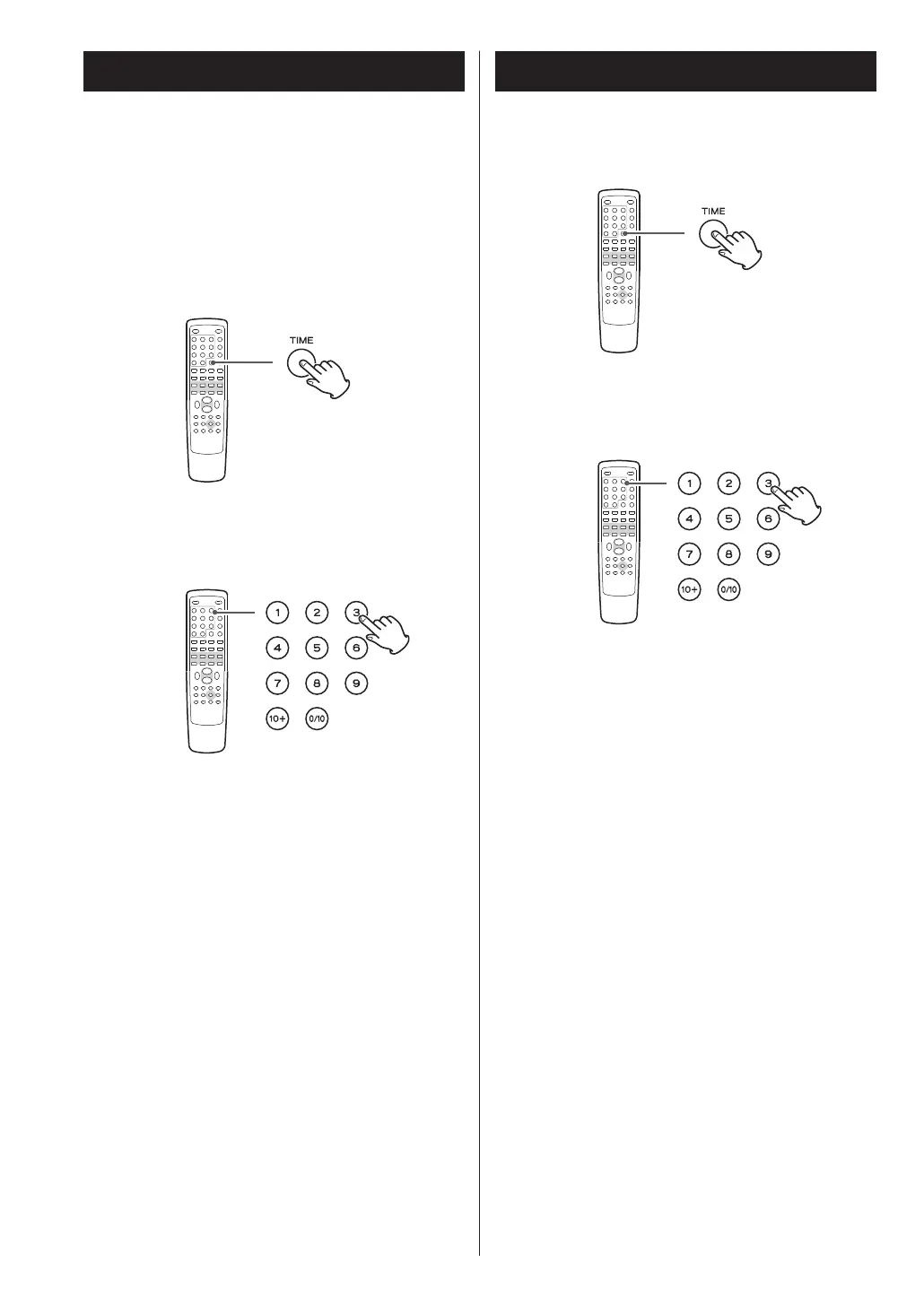
1. During playback, press the TIME button.
If you want to search the entire disc, press the TIME
button once.
‘DT: - - : - -’ is highlighted on the screen.
If you want to search within the current track, press
the TIME button twice.
‘TT: - - : - -’ is highlighted on the screen.
2. Within 7 seconds, enter your desired minute
and second using the numeric buttons.
For example, if the length of the current track is 3
minutes, enter a number smaller than 3 minutes.
Playback starts from the selected part.
1. During playback, press the TIME button twice.
‘- - : - -’ is highlighted on the screen.
2. Within 7 seconds, enter your desired minute
and second using the numeric buttons.
For example, if the length of the current file is 3
minutes, enter a number smaller than 3 minutes.
Playback starts from the selected part.
33



 To Next Page